Many gamers wonder about the longevity and future-proofing of their portable powerhouses. In 2026, with games becoming more graphically demanding and new technologies constantly emerging, understanding if your gaming laptop can keep up is crucial. This comprehensive guide dives deep into the upgradeability of gaming laptops, exploring what components you can realistically replace or enhance, and what limitations you might face. We'll cover everything from RAM and storage upgrades, which are often straightforward, to the more complex realities of GPU and CPU replacement. For busy adults who juggle work, family, and gaming, getting the most value out of their existing hardware is a top priority. This article provides practical, actionable advice to help you optimize performance without breaking the bank, ensuring your gaming sessions remain smooth and enjoyable. Discover how to extend the life of your machine, improve loading times, and even boost frame rates, making smart choices about when and how to invest in upgrades for your gaming laptop. We address common concerns about compatibility, warranty implications, and the technical skills required, empowering you to make informed decisions about your gaming rig's future.
Related gamesCan I upgrade the RAM in my gaming laptop?
A: Yes, in most gaming laptops, upgrading the Random Access Memory RAM is one of the easiest and most effective ways to boost performance. You can typically replace existing RAM modules with higher capacity or faster ones, or add more if there are empty slots. This can significantly improve multitasking, game loading times, and overall system responsiveness, especially for modern games that demand substantial memory.
Is it possible to upgrade the storage in a gaming laptop?
A: Absolutely, upgrading your gaming laptop's storage is highly common and recommended. Most gaming laptops allow you to replace an existing SATA SSD or HDD, or add an NVMe SSD if a slot is available. Upgrading to a faster, larger NVMe SSD will drastically reduce game loading times, system boot-up, and file transfer speeds, offering a noticeable improvement in your gaming experience and giving you more space for your growing game library.
Can I upgrade my gaming laptop's graphics card (GPU)?
A: Unfortunately, in the vast majority of gaming laptops, upgrading the GPU is not possible. The graphics processing unit is typically soldered directly onto the laptop's motherboard. Some older or very high-end niche models might use MXM modules, but these are rare and specialized. For most users, a non-upgradeable GPU means you're limited by the original hardware, making external GPUs a potential but often costly alternative for a performance boost.
What about upgrading the CPU in a gaming laptop?
A: Similar to GPUs, the Central Processing Unit CPU in almost all modern gaming laptops is soldered to the motherboard. This design choice by manufacturers ensures thin profiles and efficient cooling but makes CPU replacement virtually impossible for the average user. Therefore, when buying a gaming laptop, choosing one with a sufficiently powerful CPU for your expected use over its lifespan is crucial.
Are external GPUs (eGPUs) a good solution for gaming laptop upgrades?
A: External GPUs eGPUs can be a viable solution for some gamers, particularly if your laptop has a Thunderbolt 3 or 4 port. They allow you to connect a desktop graphics card via an external enclosure, boosting gaming performance significantly. However, they come with caveats: eGPUs are expensive, require a separate monitor for optimal performance, and still incur a performance penalty compared to a desktop PC due to Thunderbolt bandwidth limitations. They are best for extending the life of a thin and light laptop for home use.
Will upgrading my gaming laptop void its warranty?
A: This is a critical concern. In many cases, performing user-serviceable upgrades like RAM or SSD replacement, if done correctly and without damaging other components, may not void your warranty, especially in regions with Right to Repair laws. However, it's essential to check your laptop manufacturer's specific warranty policy before opening up your device. Some manufacturers are stricter than others, and physical damage during an upgrade attempt will almost certainly void it.
How do I find compatible upgrades for my specific gaming laptop model?
A: The best way to find compatible upgrades is to consult your laptop's specific model number. Look up the official service manual or support page on the manufacturer's website. Websites like Crucial or Kingston often have online scanners that identify compatible RAM and SSDs for your machine. Online forums and communities dedicated to your laptop brand or model can also provide valuable insights and recommendations from other users.
Ever found yourself mid-game, experiencing a frustrating stutter or slow loading screen, and wondered, Is my gaming laptop falling behind? If you're a US gamer, likely balancing a demanding job, family life, and your precious relaxation time with games, this thought hits hard. Youre part of the estimated 87% of US gamers who play regularly, often dedicating 10 or more hours a week to unwinding, building skills, or connecting with friends in popular titles like Palworld, Helldivers 2, or even a cozy Stardew Valley session. While mobile gaming continues its dominance, the allure of PC and console cross-play, social gaming on Discord, and diving into rich virtual worlds remains strong. The desire to stay current without breaking the bank or navigating a sea of technical jargon is real. So, when your trusty gaming laptop starts showing its age, the big question emerges: are gaming laptops upgradeable, or is it time to save up for an entirely new rig? This comprehensive guide is for you, the practical gamer looking for smart, value-for-money solutions to keep your current machine competitive. We’ll cut through the hype, address common pain points like performance drops and setup issues, and show you exactly what’s possible to upgrade and what’s not, so you can optimize your setup and get back to enjoying your games.
Are Gaming Laptops Truly Upgradeable in 2026? Setting Realistic Expectations
Let's get straight to it: are gaming laptops upgradeable? Yes, but with significant caveats compared to their desktop counterparts. Unlike a desktop PC where you can swap out almost every major component, gaming laptops are designed for portability and compactness. This means many key components, like the CPU and GPU, are often soldered directly onto the motherboard. This design helps achieve slim profiles and efficient cooling systems within a confined space. However, it also severely limits your options for major performance upgrades. The good news is that certain components are indeed user-replaceable, offering meaningful performance boosts and extending the lifespan of your device.
For the average gamer managing life's demands, understanding these limitations upfront saves time and avoids frustration. You want solutions that improve your experience, whether it's faster loading, smoother gameplay, or just more space for those massive game installations, not a complex engineering project. Our focus will be on the practical, achievable upgrades that make a real difference to your daily gaming sessions without requiring an advanced degree in electronics.
The Low-Hanging Fruit: What Components Can I Realistically Upgrade?
When asking are gaming laptops upgradeable, the most common and impactful answers revolve around two key areas: RAM (Random Access Memory) and storage (SSDs). These are typically designed to be user-accessible and replaceable in most gaming laptop models. Upgrading these components can provide a noticeable boost to your system's overall responsiveness, game loading times, and multitasking capabilities. It’s often the first and most cost-effective step to revitalize an aging machine.
Beyond RAM and storage, options become much more limited. Some very specific, higher-end or older models might have modular Wi-Fi cards that can be swapped, or in rare cases, an MXM GPU module (though these are almost extinct in new laptops). However, for the vast majority of current gaming laptops, these are the only practical internal upgrades.
Is Upgrading RAM in My Gaming Laptop Worth It?
Absolutely, upgrading your laptop's RAM is often the easiest and most beneficial upgrade. Many gaming laptops ship with 8GB or 16GB of RAM. While 16GB is generally sufficient for most titles in 2026, pushing to 32GB can significantly benefit gamers who multitask, stream, or play memory-intensive games with many browser tabs open. More RAM means your system can handle more data simultaneously, reducing stuttering and improving frame consistency, especially in open-world titles or when using voice chat apps like Discord alongside your game.
When considering a RAM upgrade, identify your laptop's current RAM type (DDR4 or DDR5) and maximum supported capacity. Most gaming laptops have two SO-DIMM slots. You can either fill an empty slot or replace existing modules. Ensure the new RAM's speed (MHz) and latency (CL) are compatible with your system for optimal performance. This is a budget-friendly way to boost your machine, directly addressing performance problems many gamers face.
How Can I Upgrade My Gaming Laptop's Storage for Faster Game Loads?
Upgrading your storage from an older HDD to a modern Solid State Drive (SSD), or simply increasing the capacity of your existing SSD, is another highly effective upgrade. If your laptop still uses a mechanical hard drive for games, upgrading to an NVMe SSD will be a revelation. NVMe drives offer dramatically faster read/write speeds, translating to lightning-quick boot times, incredibly fast game loading, and snappier application launches.
Most modern gaming laptops support NVMe SSDs, often featuring one or more M.2 slots. Some might also have a 2.5-inch bay for SATA SSDs or HDDs. Identify the available slots and their type. Cloning your old drive to the new SSD can make the transition seamless, keeping all your installed games and settings. With game sizes constantly increasing, having ample, fast storage is crucial for managing your ever-growing library and experiencing games as they’re meant to be played.
The Hard Truth: Can I Replace My Gaming Laptop's CPU or GPU?
This is where the dreams of transforming an old laptop into a beast often hit a wall. For the vast majority of gaming laptops sold today, the CPU (Central Processing Unit) and GPU (Graphics Processing Unit) are permanently soldered onto the motherboard. This means they cannot be removed or replaced by an end-user. The exceptions are exceedingly rare, typically limited to specialized workstation laptops or a handful of older, bulkier gaming models that used MXM (Mobile PCI Express Module) GPUs, which are now largely obsolete.
This design choice is fundamental to why gaming laptops are compact and efficient. Soldering components reduces space, simplifies manufacturing, and allows for custom thermal solutions tailored to the specific chip. While frustrating for upgrade enthusiasts, it's a trade-off for portability. Therefore, when you buy a gaming laptop, you are largely locked into its CPU and GPU performance for its entire lifespan. This makes choosing a laptop with a future-proof GPU and CPU for your needs a critical decision from day one.
External GPUs (eGPUs): A Viable Performance Boost for Some?
If your laptop's internal GPU is soldered, external GPUs (eGPUs) offer a potential workaround. An eGPU setup involves connecting a desktop graphics card inside an external enclosure to your laptop, typically via a Thunderbolt 3 or Thunderbolt 4 port. This can significantly boost your gaming performance, allowing you to play demanding titles at higher resolutions or frame rates than your laptop's internal GPU could ever manage.
However, eGPUs come with their own set of considerations. They are often expensive, requiring the enclosure itself plus the cost of a desktop GPU. You'll generally need an external monitor connected directly to the eGPU for optimal performance, as routing the signal back to the laptop's internal display incurs a performance penalty. While powerful, they're not a portable solution and work best for gamers who dock their laptop at home for serious gaming sessions, providing an alternative to a full desktop PC without replacing their laptop entirely.
Will Upgrading My Gaming Laptop Void Its Warranty? Know Before You Open
A common and crucial concern for any DIY upgrade is the warranty. The answer to will upgrading my gaming laptop void its warranty isnt always straightforward and varies by manufacturer and region. In the US, some Right to Repair movements and laws are influencing manufacturer policies. Many manufacturers explicitly state that upgrading RAM or storage, if done without causing damage, will not void the warranty on other components. However, any physical damage caused during the upgrade process will almost certainly void your warranty.
Before you pick up a screwdriver, it is imperative to check your specific laptop manufacturer's warranty policy or support documentation. Some brands are more accommodating than others. If you're unsure or uncomfortable, consider professional installation for upgrades to ensure they are done correctly and to potentially mitigate warranty risks. Staying informed protects your investment and prevents headaches down the line.
How Do I Know What Parts Are Compatible with My Specific Gaming Laptop Model?
Compatibility is king when it comes to laptop upgrades. Guessing can lead to wasted money and frustration. The absolute best way to determine compatible RAM and storage is to research your exact laptop model number. This number is usually found on a sticker on the bottom of your laptop or in your system information.
- Manufacturer's Website: Check the official support page for your laptop. Look for service manuals, upgrade guides, or specifications that list compatible RAM types (DDR4/DDR5), speeds (MHz), and supported storage interfaces (NVMe M.2, SATA 2.5-inch).
- Online Component Scanners: Websites like Crucial.com or Kingston.com offer memory and SSD configurators. You input your laptop make and model, and they will recommend guaranteed compatible parts.
- User Forums & Communities: Online forums (like Reddit's r/GamingLaptops or specific brand forums) are invaluable resources. Other users who have already upgraded your exact model can provide firsthand advice and component recommendations.
Double-checking these resources ensures you purchase the correct components, preventing installation issues and maximizing your upgrade's effectiveness.
What Are the Best Practices for Safely Upgrading Laptop Components?
If you've determined your gaming laptop is upgradeable in certain areas and you've got your compatible parts, it's time to get hands-on. Safety and careful execution are paramount to avoid damaging your device. Follow these best practices:
- Gather Your Tools: You'll likely need a small Phillips-head screwdriver set, a plastic pry tool (spudger) for opening the case, and an anti-static wrist strap.
- Power Down Completely: Shut down your laptop, unplug it from the power adapter, and remove the battery if it's external (for most gaming laptops, the battery is internal and requires disconnecting once the back panel is off). Press and hold the power button for 15-20 seconds to discharge any residual power.
- Ground Yourself: Wear an anti-static wrist strap to prevent electrostatic discharge (ESD), which can permanently damage sensitive internal components.
- Work in a Clean, Well-Lit Area: A clutter-free space reduces the chance of losing tiny screws or damaging components.
- Follow a Guide: Find a reputable video tutorial (e.g., on YouTube) or a step-by-step written guide specific to your laptop model. This is crucial for knowing where screws are, how to safely remove the back panel, and how to install new components.
- Be Gentle: Laptop components are delicate. Apply only light, steady pressure when removing or installing parts.
- Test Immediately: After reassembling, power on your laptop and ensure the new components are recognized and functioning correctly in your system's BIOS or operating system.
Taking your time and being methodical will ensure a smooth and successful upgrade, getting you back to gaming faster.
When Should I Consider Upgrading My Laptop vs. Buying a New One?
This is the ultimate question for many gamers balancing budgets and performance needs. The decision to upgrade or replace depends on several factors:
- Current Laptop Age & Performance: If your laptop is 2-4 years old and struggles mainly with slow loading or multitasking, a RAM/SSD upgrade can give it a new lease on life. If it's 5+ years old and struggling with low frame rates on minimum settings, even after RAM/SSD, its soldered CPU/GPU are likely too outdated.
- Budget: RAM and SSD upgrades are significantly cheaper than a new gaming laptop. If your budget is tight, maximizing your current machine is a smart play.
- Performance Expectations: Are you aiming for a modest boost for existing games or hoping to play the latest AAA titles at Ultra settings? Only a new laptop with a next-gen CPU/GPU can deliver the latter.
- Upgrade Potential: As we've discussed, if your laptop has empty RAM or M.2 slots, its upgrade potential is higher.
For gamers valuing performance optimization and value for money, a targeted upgrade makes sense if your core CPU and GPU are still acceptable. If your CPU and GPU are severely bottlenecking your experience, even with fast RAM and storage, then it's time to start saving for a new machine that aligns with 2026's gaming demands and perhaps consider mobile-focused gaming for casual moments.
In conclusion, while the dream of fully modular gaming laptops remains largely a fantasy for 2026, the answer to are gaming laptops upgradeable is a definite yes, albeit selectively. You can absolutely breathe new life into your gaming rig by strategically upgrading its RAM and storage. These simple, often cost-effective enhancements can significantly improve your gaming experience, from faster load times to smoother multitasking, helping you stay competitive and entertained without the hefty investment of a brand-new system. Remember to research compatibility, follow safety protocols, and manage your expectations regarding CPU and GPU limitations. By making smart, informed decisions, you can extend your laptop's lifespan, optimize its performance, and continue enjoying your favorite titles. What's your biggest gaming challenge with your current laptop? Share your thoughts and upgrade stories in the comments below!
FAQ Section: Quick Answers for Your Gaming Laptop Upgrade Questions
Can I improve my gaming laptop's cooling?
Yes, while not a component upgrade, improving cooling is crucial. You can use a cooling pad, clean out dust from fans/heatsinks, or reapply thermal paste to the CPU/GPU for better heat dissipation. This helps prevent thermal throttling and maintains performance, especially during long gaming sessions.
Are all gaming laptop RAM types the same?
No, RAM types differ significantly. Gaming laptops typically use DDR4 or DDR5 SO-DIMM modules. You must match the type (DDR4 with DDR4, DDR5 with DDR5) and aim for compatible speeds (MHz) and latencies (CL) for optimal performance. Mixing incompatible types will prevent your system from booting.
How much RAM is enough for gaming in 2026?
For most modern games in 2026, 16GB of RAM is considered the baseline for a smooth experience. However, 32GB is becoming increasingly beneficial, especially for gamers who stream, run multiple applications simultaneously, or play demanding open-world titles, providing more headroom and future-proofing.
What's the difference between SATA and NVMe SSDs for gaming?
NVMe SSDs connect via the PCIe bus and are significantly faster than SATA SSDs, which use the older SATA interface. For gaming, NVMe drives offer much quicker game loading times and overall system responsiveness. If your laptop has an M.2 slot, prioritize NVMe; otherwise, a SATA SSD is still a vast improvement over an HDD.
Can upgrading my Wi-Fi card improve online gaming?
Potentially. If your laptop has an older Wi-Fi standard (e.g., Wi-Fi 5/802.11ac) and you have a Wi-Fi 6 or 6E router, upgrading to a compatible Wi-Fi 6/6E card can offer lower latency and faster, more stable connections, especially in crowded networks. However, your internet speed and router are often bigger factors.
Is it ever worth paying a professional to upgrade my gaming laptop?
Yes, especially if you are uncomfortable opening your laptop, worried about voiding the warranty, or lack the necessary tools. Professionals can ensure correct installation, potentially preserve your warranty (check with them), and save you from accidental damage. For complex tasks or when unsure, it's a worthwhile investment.
How often should I consider upgrading my gaming laptop's components?
For RAM and SSDs, consider upgrading when you experience noticeable slowdowns, lack of storage, or if your existing components are significantly underperforming (e.g., 8GB RAM, HDD). This typically happens every 2-4 years. For CPU/GPU, as they're not upgradeable, a new laptop is usually considered after 4-6 years, depending on your performance needs.
Gaming laptops offer limited upgradeability primarily to RAM and storage. CPUs and GPUs are generally soldered, making replacement difficult or impossible. Understanding your laptop's specific model is crucial before attempting upgrades. DIY upgrades can void warranties; professional assistance is recommended for complex tasks. Smart upgrades can extend laptop lifespan and improve performance without buying a new device.
35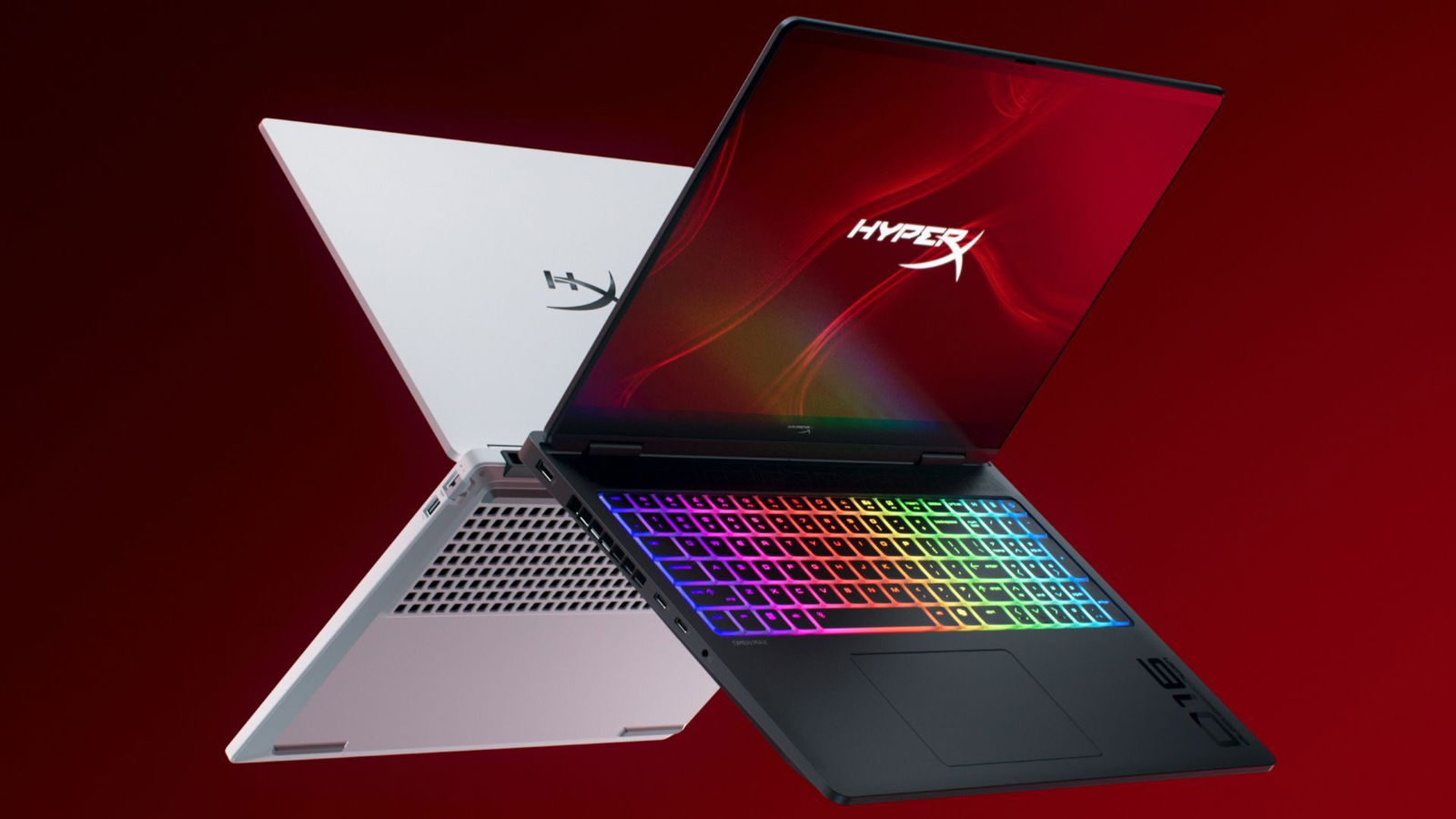




CES 2026 HyperX OMEN Gaming Laptops Have Been Revealed Ces 2026 Hyperx Omen Gaming Laptops Have Been Unleashed 2026 01 03 164747 . Best Gaming Laptops At CES 2026 RTX 5090 Options Dual Screen Picks Lenovo Legion Pro Rollable Concept. Lenovo Al CES 2026 Mostra Laptop Che Cambiano Formato E Legion Go 2 Con 720 . 2026 Laptops The Rise Of Upgradeable Designs 2026 Laptops Modular And Upgradeable . Lenovo Level Up Di CES 2026 Hadirkan Laptop Gaming Rollable 2026 01 08 085816.webp
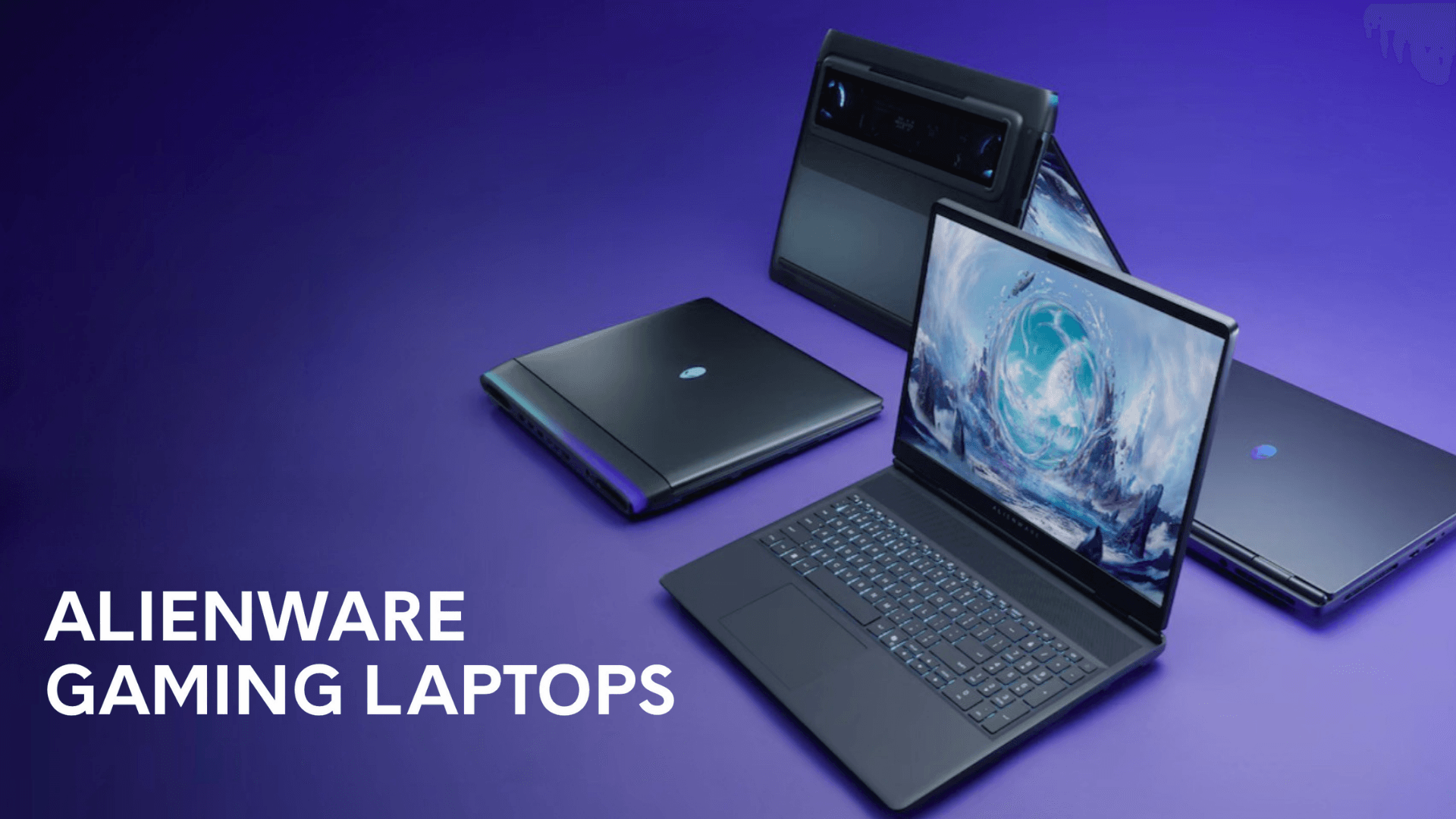


Dell Unveils Ultra Slim And Entry Level Alienware Gaming Laptops At CES Alienware 38e863a74e . CES 2026 Lenovo Brings Out 16 To 24 Expandable Gaming Laptop Ces 2026 Lenovo Brings Out 16 To 24 Expandable Gaming Laptop Techjuice 211204 062816 . Top 10 Best Gaming Laptops Of 2026 Next Gen Power Revealed YouTube . The Ultimate Buying Guide To Gaming Laptops 2026 Sourav Joshi Vlogs Best Gaming Laptops 2026 . CES 2026 Asus ROG Zephyrus Duo Is Finally A Proper Dual Screen Gaming Hero



Are Gaming Laptops Upgradable What You Can And Can T Upgrade Are Gaming Laptops Upgradable . Best Budget Gaming Laptops 2026 Top Value Picks Best Budget Laptops For Gaming 2026 . Top Gaming Laptops In 2026 For Epic Performance Top Gaming Laptops For 2026Most Powerful Picks . Future Proof Gaming Laptop Guide 2026 Upgrades That Last Upgradeable Gaming Laptop Ram Ssd Setup . ASUS Reveals TUF 2026 Gaming Laptops With OLED Upgrade And New Intel ASUS TUF Gaming A14 2026 Official




The Best Cheap Gaming Laptops For 2026 Tested For Gaming Top 3 Gaming Laptops Of 2026 - The Ultimate Guide . Best Gaming Laptops 2026 Top 5 Picks With RTX 50 GPUs Price Comparison Top 5 Gaming Laptops In 2026. ASUS ROG Showcase At CES 2026 Confirmed With New Gaming Gear Laptops 109228 43 Asus Rog Showcase At Ces 2026 Confirmed With New Gaming Gear Laptops And Future Technology Full . Best Gaming Laptops For Every Type Of Gamer In 2026. Best Gaming Laptops For 2026 Top Picks And Reviews Tech In Deep Best Gaming Laptops For 2026 300x300

15 Best Gaming Laptops Of 2026 That Deliver Power And Portability Mad Top Gaming Laptops 2026 1835q . Best Gaming Laptops With MUX Switch Top 10 Picks For March 2026 Best Gaming Laptops Under 600 . Laptop Buying Guide 2026 Top Features And Trends Geeky Gadgets Laptop . Top PUBG Gaming Laptops 2026 Best Gaming Laptops For Pubg 2026 Sa Buyer S Guide Banner.webp. Top 5 Laptop Gaming Ng Mua Nh T 2026 K Nguy N AI PC RTX 50 Series Gemini Generated Image


The 3 Best Gaming Laptops Of 2026 Expert Reviews Picks The 3 Best Gaming Laptops Of 2026.webp. Top 5 BEST Gaming Laptops In 2026 YouTube . Considering A Laptop Upgrade In 2026 Here S What To Look For Laptop Upgrade Guide 2026.webp. 10 Best Desktop Replacement Laptops For March 2026 Upgradable Best Gaming Laptops Under 2000 1024x559 . Top 5 Best Gaming Laptops For 2026 The Ultimate Guide 2026 Rank1one Gaming Laptops



/pcq/media/media_files/2026/03/18/asus-tuf-gaming-2026-laptops-2026-03-18-13-30-53.png)
Top 5 BEST Gaming Laptops In 2026 Watch This Before Buy YouTube . CES 2026 MSI Laptop New Product Launch With Panther Lake Prestige Nb 20251216 6 . Top 10 Gaming Laptops To Buy In 2026 Power Meets Innovation YouTube . Intel S Panther Lake Could Power New Gaming Handhelds In 2026 Windows . ASUS TUF Gaming 2026 Laptops Get OLED 300Hz Screens Quieter Fans Asus Tuf Gaming 2026 Laptops 2026 03 18 13 30 53