Finding yourself stuck when you cant access Roblox website can be incredibly frustrating especially when youre trying to unwind after a long day or connect with friends in your favorite game. This comprehensive guide is designed for busy US gamers, balancing work and family, who simply want to get back to their virtual worlds without hassle. We will dive into the most common reasons why you might be encountering issues connecting to Roblox, from simple internet glitches to more complex server problems or device specific quirks. Learn practical steps to troubleshoot and resolve cant access Roblox website errors quickly and efficiently, ensuring you spend less time debugging and more time enjoying the vast universe of Roblox. Our aim is to provide clear actionable advice, saving you precious gaming hours and helping you understand what might be preventing your access so you can apply lasting solutions and get back to what you love doing.
Why cant I access Roblox website right now?
If you cant access Roblox website at this moment, the issue could be due to Roblox server outages, problems with your internet connection, browser conflicts, or even local network restrictions like firewalls or parental controls. It is best to start by checking Roblox's server status before troubleshooting your own device or network.
How do I check if Roblox servers are down?
To check if Roblox servers are down, visit reliable third-party websites like DownDetector.com and search for Roblox. You can also check Roblox's official status page or their social media channels, particularly X (formerly Twitter), where they often post real-time updates on service disruptions. If servers are down globally, waiting is the only solution.
What common browser issues prevent Roblox access?
Common browser issues that can prevent you from accessing Roblox include a full or corrupted browser cache and cookies, conflicting browser extensions (like ad blockers), or an outdated browser version. Clearing your browser's data, trying an incognito window, or testing a different browser can often resolve these problems quickly.
Can parental controls block my access to Roblox?
Yes, parental controls, whether set on your home router, operating system, or specific security software, can definitely block or restrict access to the Roblox website. These controls are often designed to manage internet usage and may inadvertently or intentionally prevent you from connecting to certain sites. Check your router settings and device's security software.
Should I disable my VPN if I cant access Roblox?
If you cant access Roblox website, disabling your VPN is a crucial troubleshooting step. VPNs can sometimes route your connection through servers that are blocked by Roblox, or introduce network latency and instability. Temporarily turning off your VPN can help determine if it is the source of your connection problem.
What if my internet is fine but Roblox still wont load?
If your internet connection seems to be working perfectly for other sites but Roblox still wont load, consider issues beyond basic connectivity. This could include corrupted DNS cache, an overly aggressive firewall or antivirus blocking Roblox, or even outdated network adapter drivers. Trying a different DNS server or flushing your DNS cache might help.
How can I clear local Roblox data to fix access?
Clearing local Roblox data can involve several steps depending on the device. For PC users, you might clear your browser's cache and cookies. If the Roblox application is involved, uninstalling and then reinstalling the game client can resolve corrupted local files that prevent proper access to the website or game servers.
Hey fellow gamers! Ever finished a long day of work, finally settled down to unwind with some Roblox, only to be met with a frustrating cant access Roblox website error? We get it. For many of us, gaming isnt just a hobby; its a crucial way to relax, connect with friends, and even build some cool skills after juggling jobs and family life. US gamers, averaging over 10 hours a week in virtual worlds, often cherish that time. When a platform like Roblox, known for its vast user-generated content and social play, suddenly becomes inaccessible, it can throw a real wrench in your plans. Mobile gaming, as weve seen this month, continues its dominance, and cross-play is more common than ever, making connectivity issues even more annoying across devices. You just want to play, not troubleshoot. This guide is built specifically for you, the busy adult gamer who values practical solutions over hype, helping you quickly diagnose and fix why you cant access Roblox website so you can get back to building, adventuring, and socializing. Lets dive into the most common culprits and how to resolve them.
Why Cant I Access Roblox Website Right Now? Understanding the Basics
The core reason you cant access Roblox website usually boils down to one of two things: something on your end or something on Robloxs end. On your end, it could be anything from a simple internet hiccup to a browser issue, device settings, or even network restrictions. On Robloxs end, it typically involves server outages or maintenance. Knowing where to start looking saves you a ton of time. Eighty-seven percent of US gamers regularly engage in gaming, and interruptions can be frustrating, especially when youre trying to join a limited-time event or just relax.
How Do I Check if Roblox Servers Are Down?
Before you start pulling your hair out with complex troubleshooting, always check the Roblox server status. This is the quickest way to confirm if the issue is global or isolated to your connection. There are a few reliable ways to do this:
Official Roblox Status Page: Roblox often has an official status page that reports known outages or maintenance. A quick search for Roblox Status will usually lead you there.
Third-Party Down Detectors: Websites like DownDetector.com aggregate user reports. If thousands of users are reporting cant access Roblox website at the same time, chances are the servers are experiencing issues. Look for a significant spike in reports this month.
Social Media: Check Robloxs official X (formerly Twitter) account or community forums. They often post updates on service disruptions in real-time. This is a great way to stay current without hype.
If the servers are indeed down, all you can do is wait. Take a break, grab a snack, or check out another game while the Roblox team works on a fix. Patience is key in these situations.
What Common Browser Issues Prevent Me From Accessing Roblox?
Your web browser is the gateway to the Roblox website, and it can sometimes be the source of your access problems. Many common browser issues can lead to you thinking you cant access Roblox website. Clearing your browser's data is often a quick and effective fix.
Clear Browser Cache and Cookies: Over time, cached data can become corrupted, leading to loading errors. Cookies can also cause login issues. Go into your browser settings (usually under Privacy and Security) and clear your browsing data, specifically cache and cookies. Restart your browser afterward.
Try a Different Browser: If youre using Chrome, try Edge or Firefox. If Roblox loads on another browser, then your primary browser might have an extension or setting causing the conflict. This helps isolate the problem quickly.
Disable Browser Extensions: Some browser extensions, particularly ad blockers or privacy tools, can interfere with website loading. Try disabling them one by one to see if one is blocking Roblox. Its a common pain point for many sites.
Is My Internet Connection to Blame for "Cant Access Roblox Website"?
Even if other websites seem fine, your internet connection might still be the culprit when you cant access Roblox website. Gaming requires a stable connection, and even minor fluctuations can cause problems.
Restart Your Router/Modem: This age-old IT trick works wonders. Unplug your router and modem for about 30 seconds, then plug them back in. This often resolves minor network glitches and refreshes your connection.
Check Wi-Fi vs. Wired Connection: If youre on Wi-Fi, try connecting directly to your router with an Ethernet cable. A wired connection is generally more stable and can help determine if your Wi-Fi signal is weak or inconsistent. This is especially relevant for performance optimization.
Run a Speed Test: Use a service like Speedtest.net to ensure your internet speed is adequate. While Roblox isnt bandwidth-intensive, very slow or unstable speeds can prevent proper loading.
Contact Your ISP: If all else fails and you suspect a widespread internet issue, reach out to your Internet Service Provider. They can check for outages in your area or diagnose problems with your line.
Can Firewall or Antivirus Settings Block My Roblox Access?
Security software is designed to protect you, but sometimes it can be a bit overzealous and block legitimate applications or websites, making you think you cant access Roblox website. This is a common setup issue many gamers face.
Temporarily Disable Firewall/Antivirus: As a test, try temporarily disabling your Windows Firewall (or macOS firewall) and any third-party antivirus software. If Roblox loads after this, youve found your culprit. Remember to re-enable them immediately after testing for your security.
Add Roblox to Exceptions: If disabling worked, you'll need to add Roblox (and your browser) to your security software's exception list or whitelist. Consult your software's documentation for exact steps. This ensures your protection remains active while Roblox functions correctly.
How Do I Troubleshoot DNS Issues When Roblox Wont Load?
DNS (Domain Name System) is like the internet's phonebook, translating website names into IP addresses. If your DNS server is having issues, you might not be able to connect to Roblox even if your internet is otherwise fine. This is a common, yet often overlooked, reason for why you cant access Roblox website.
Flush DNS Cache: Open Command Prompt (as administrator) on Windows or Terminal on macOS. Type
ipconfig /flushdns(Windows) orsudo killall -HUP mDNSResponder(macOS) and press Enter. This clears old, potentially corrupted DNS entries.Change DNS Server: Consider switching to a public DNS server like Google DNS (8.8.8.8 and 8.8.4.4) or Cloudflare DNS (1.1.1.1 and 1.0.0.1). These are often faster and more reliable than your ISP's default DNS. You can change this in your network adapter settings.
Are Parental Controls or Network Restrictions Blocking Roblox?
For gamers balancing life and family, sometimes parental controls, whether on your home network or device, can be the reason you cant access Roblox website. School or work networks often have strict firewalls too.
Check Router Settings: Many routers have built-in parental controls or website filtering features. Log into your router's admin panel (usually via a web browser, check your router's manual for IP and login) and ensure Roblox.com isn't blocked.
Device-Specific Controls: Check for parental controls or screen time limits on your PC, tablet, or phone. These can often restrict access to certain apps or websites. Mobile gaming, especially for younger family members, often has these safeguards.
VPN Usage: If you're using a VPN, try disabling it. Some VPNs can unintentionally block access to certain sites or introduce connection issues. Alternatively, try connecting to a different server location.
Work/School Networks: If you're trying to access Roblox from a work or school network, chances are they have filters in place. These are usually non-negotiable and designed for productivity, not gaming.
What if Roblox Still Wont Load After All These Steps?
If youve tried everything above and still cant access Roblox website, it might be time for more specific device or account-related checks.
Reinstall Roblox Application: Sometimes, the local Roblox application files can become corrupted. Uninstalling and reinstalling Roblox can often resolve these deeper issues. Make sure to restart your computer before reinstalling.
Check Device Date and Time: Believe it or not, an incorrect date and time on your device can cause secure websites like Roblox to fail loading due to certificate errors. Ensure your system clock is set to automatically synchronize.
Try a Different Device: Can you access Roblox on your phone, tablet, or another computer using the same network? If so, the problem is isolated to your specific primary device. If not, it points back to your network or Roblox's servers.
Contact Roblox Support: If youve exhausted all troubleshooting steps and confirmed it's not a server issue, reaching out to Roblox Support is your next best bet. Provide them with as much detail as possible about the steps youve already taken. They can often provide insights into account-specific issues.
Navigating the occasional tech glitch is part of the gaming experience, especially when balancing it with life's other demands. This month, with social gaming trends still strong, staying connected is key. Hopefully, these practical solutions have helped you resolve why you cant access Roblox website and got you back into your favorite experiences. Remember, a little patience and methodical troubleshooting go a long way. Now, go enjoy some gaming!
What's your biggest gaming challenge when balancing life and play? Comment below!
FAQ Section
What is the quickest way to check if Roblox is down? The quickest way is to visit a third-party server status checker like DownDetector.com for Roblox, or check Roblox's official X/Twitter account for real-time updates on any service disruptions.
Why do I need to clear my browser cache for Roblox? Browser cache can store old or corrupted website data, leading to loading errors or display issues. Clearing it forces your browser to download fresh data, often resolving issues like not being able to access Roblox.
Can a VPN stop me from accessing Roblox? Yes, a VPN can sometimes interfere with your connection to Roblox by routing your traffic through servers that might be blocked or experiencing issues. Temporarily disabling your VPN can help determine if it's the cause of your access problems.
How often do Roblox servers go down? While Roblox aims for high uptime, like any large online service, it experiences occasional outages due to maintenance, unexpected technical issues, or high traffic. These are usually resolved quickly, often within hours.
Is it safe to temporarily disable my firewall to access Roblox? Temporarily disabling your firewall is a troubleshooting step to identify if it's blocking Roblox. It's generally safe for a brief test, but you should always re-enable it immediately afterward and consider adding Roblox to its exception list for ongoing access and security.
What if my device date and time are incorrect for Roblox? An incorrect system date or time can prevent secure websites like Roblox from loading correctly due to conflicts with SSL certificates. Ensuring your device automatically synchronizes its time can fix this common yet obscure issue.
Internet connection troubleshooting Roblox, Roblox server status check, Browser cache and cookies for Roblox, Device specific Roblox fixes, Network restrictions and firewalls Roblox, VPN conflicts with Roblox, Roblox parental controls bypass, DNS settings for Roblox access.
35
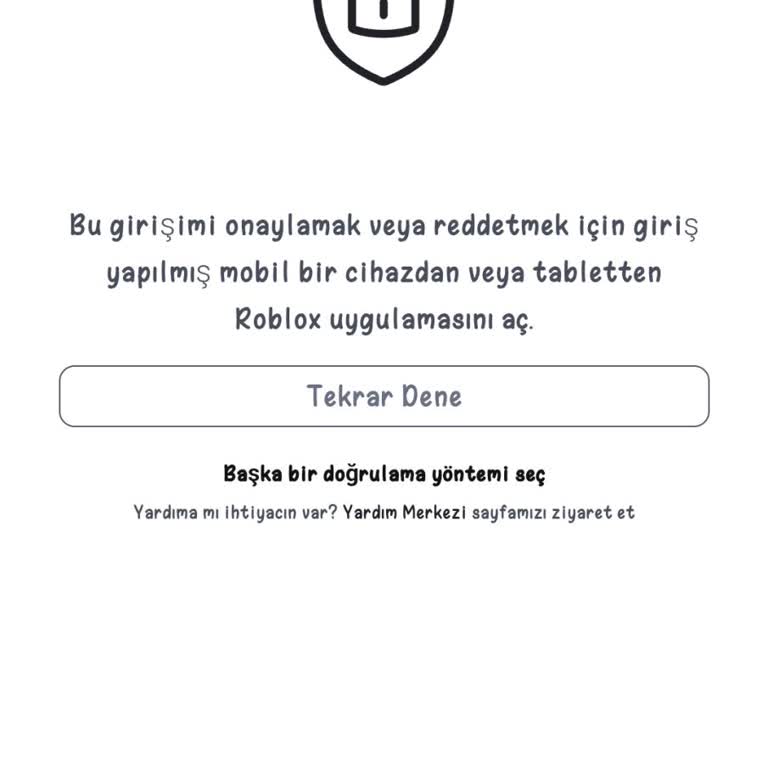



Down Roblox H Ng D N To N Di N V Nh Ng I U B N C N Bi T . I Can T Access My Roblox Account Due To Broken Two Step On I Cant Access My Roblox Account Due To Broken Two Step On Android 1 768x768 . Access Denied From My Own Game Platform Usage Support Developer . Roblox DNS Connection Problem Platform Usage Support Developer . Is Roblox Getting Shut Down In 2026 The Real Truth Behind All Those Roblox Moderation System Changes Impact 2026 1024x572
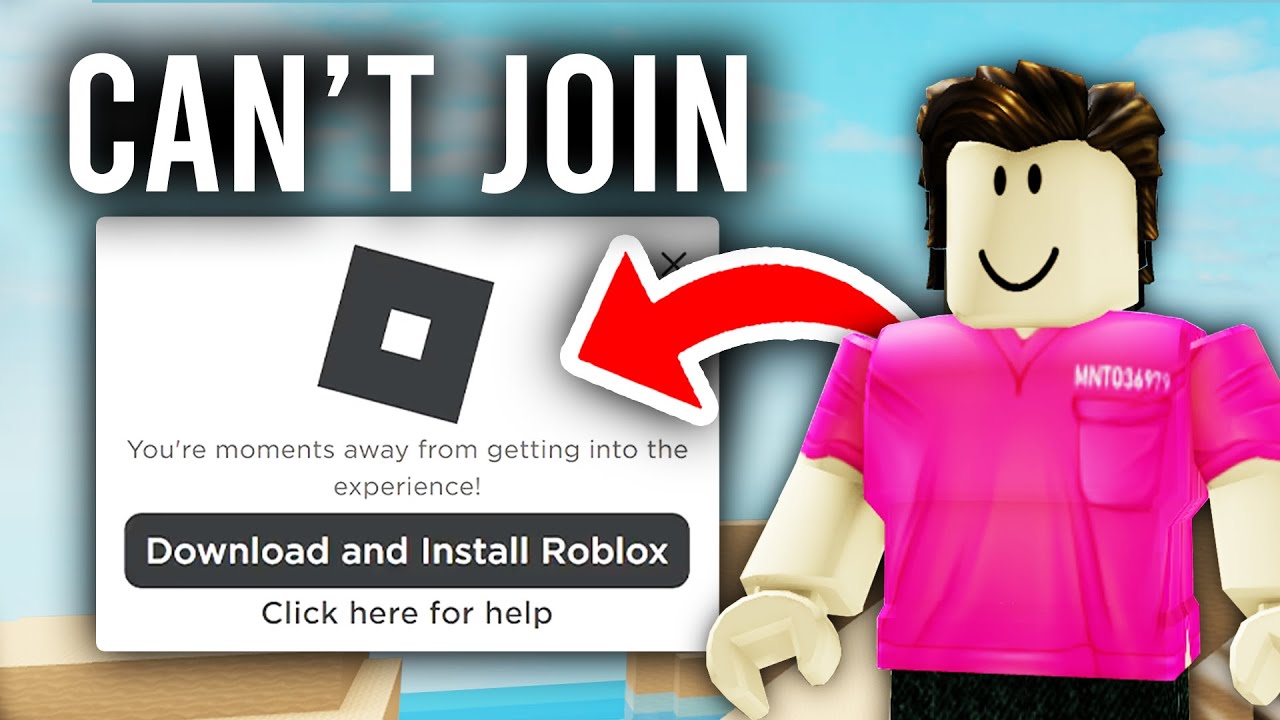

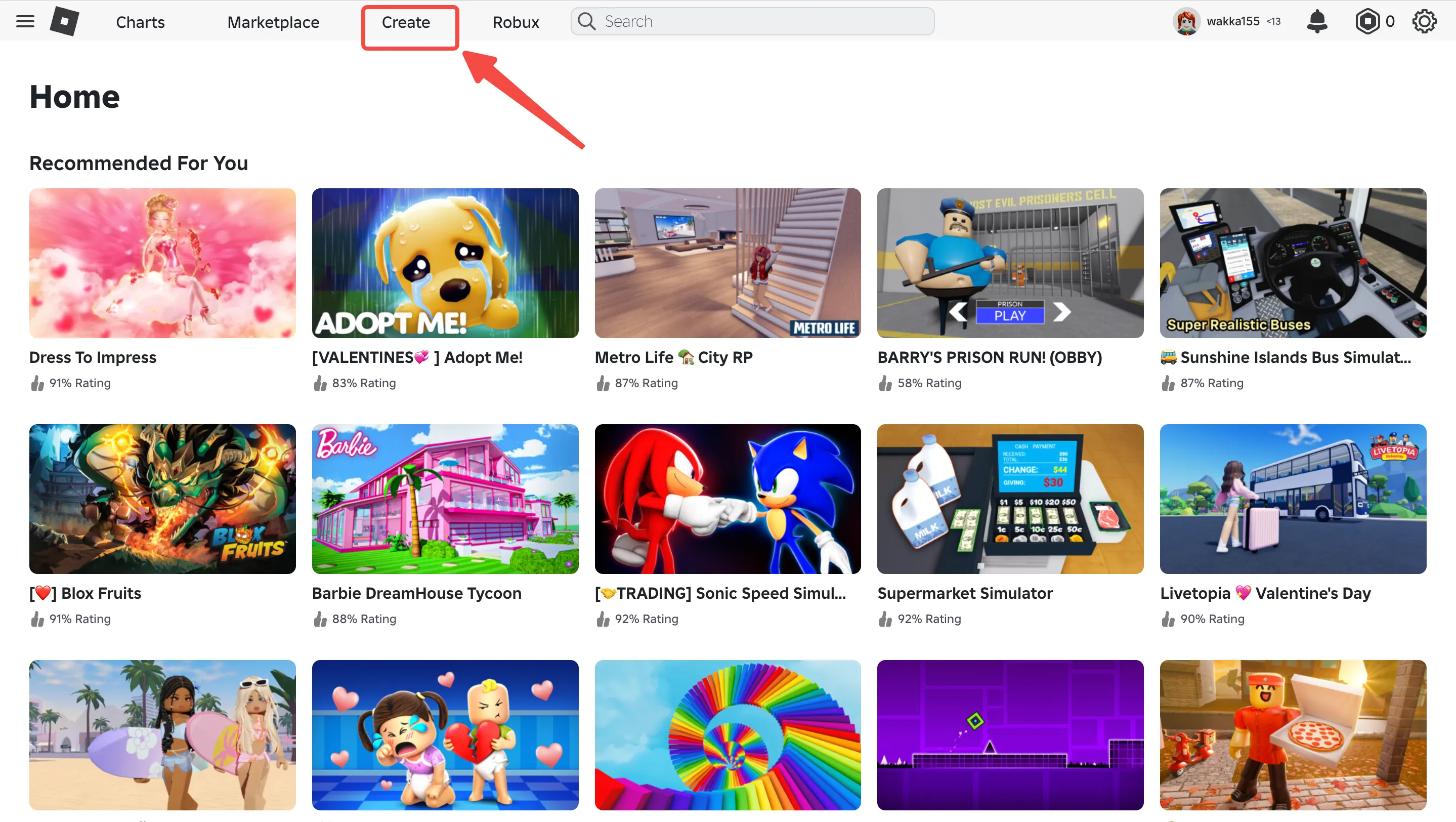

Why Can T I Play Roblox . 23 05 28 05 2026 Roblox Website For Vietnamese Users Screenshot 2026 05 23 185403 . Roblox Oyunu Nas L Yap L R Ad M Ad M K Lavuz Blog Meshy Screenshot Of Roblox Official. Access Denied You Don T Have Permission To View This Page Roblox . Why Can T Access Roblox The Coding School TAI SAO KHONG THE TRUY CAP 1 Compressed


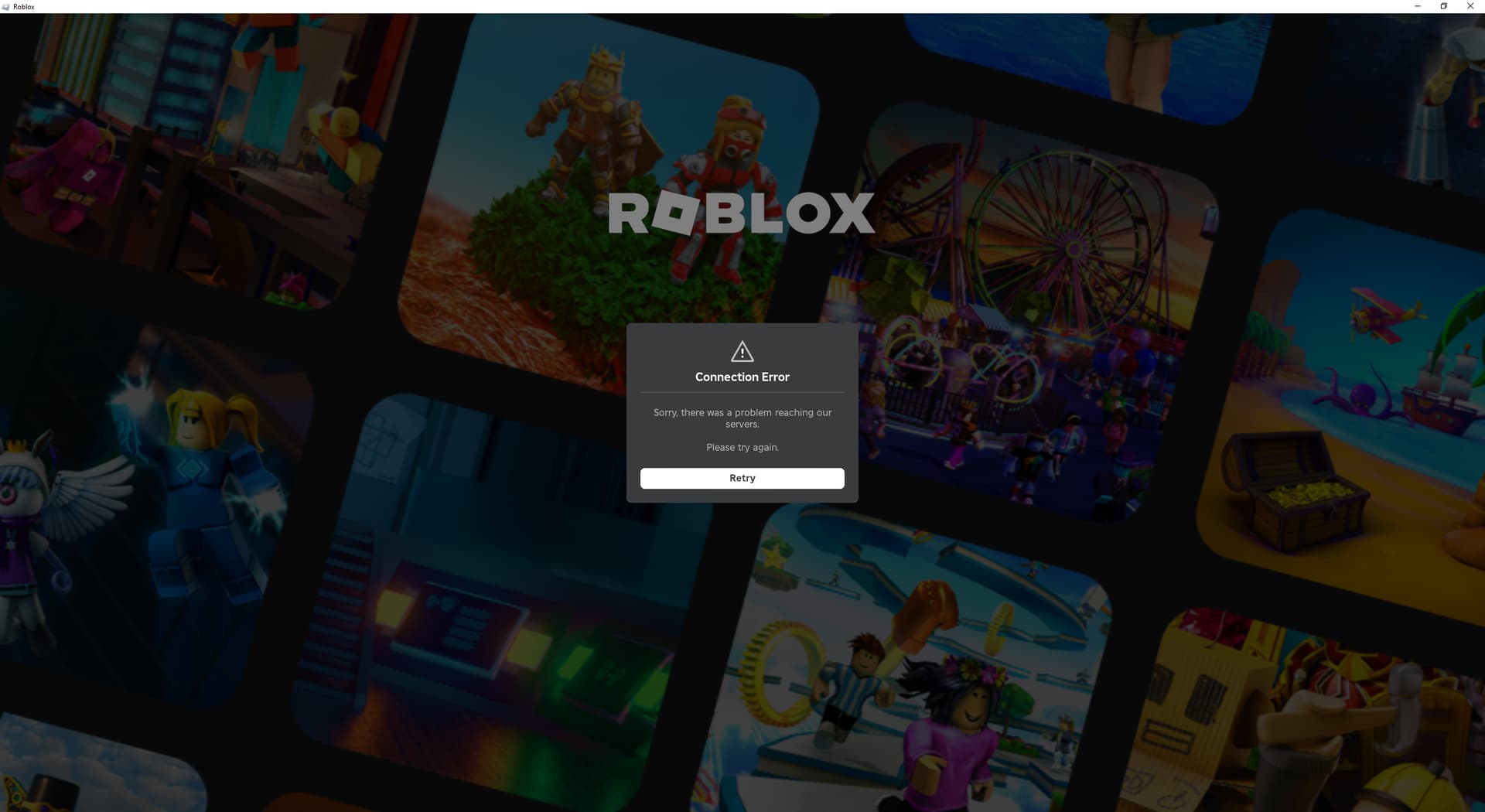


How To Fix Roblox Cannot Connect To The Internet YouTube . Roblox Websites Cant Load R RobloxHelp Roblox Websites Cant Load V0 . Roblox Can T Connect To Roblox Website And Servers Roblox Application . Roblox S Error Page Platform Usage Support Developer Forum Roblox 2 690x347 . Is Roblox Having Connection Issues C Ch Kh C Ph C Hi U Qu Roblox Connection Error I Cant Seem To Fix V0


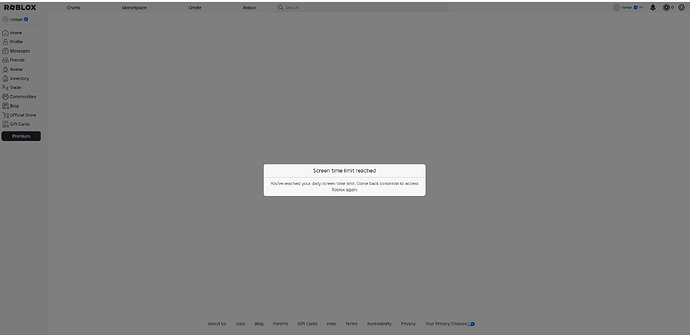
How To Message On Roblox 2026 A Quick Guide . How To Play Roblox On An Access Blocked Website PC Mac YouTube . Roblox Website Site Can T Be Reached Website Bugs Developer Forum . Why I Cant Open Valorant . Screen Time Feature Has Locked Me Out Of My Own Account No Logout No 2 690x335




2026 Parental Guide For Roblox Usage UnicMinds 2026 Parental Guide For Roblox Usage UnicMinds 1020x1024 . FIXED HOW TO FIX ROBLOX THIS SITE CAN T BE REACH YouTube . How To Fix ROBLOX Not Launching In 2024 By CAPITAL GAINZ Medium . Best Roblox VPN 2026 Security And Unlimited Access For Players VPN Roblox 2026 Terbaik Melindungi Privasi Dan Akses Tanpa Batas 3756ba1bbf . Why Cant I Login To Roblox Youtube Logging In With A Passkey


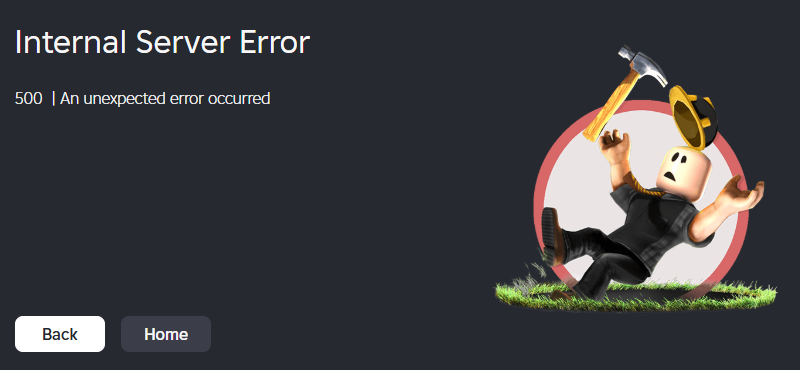

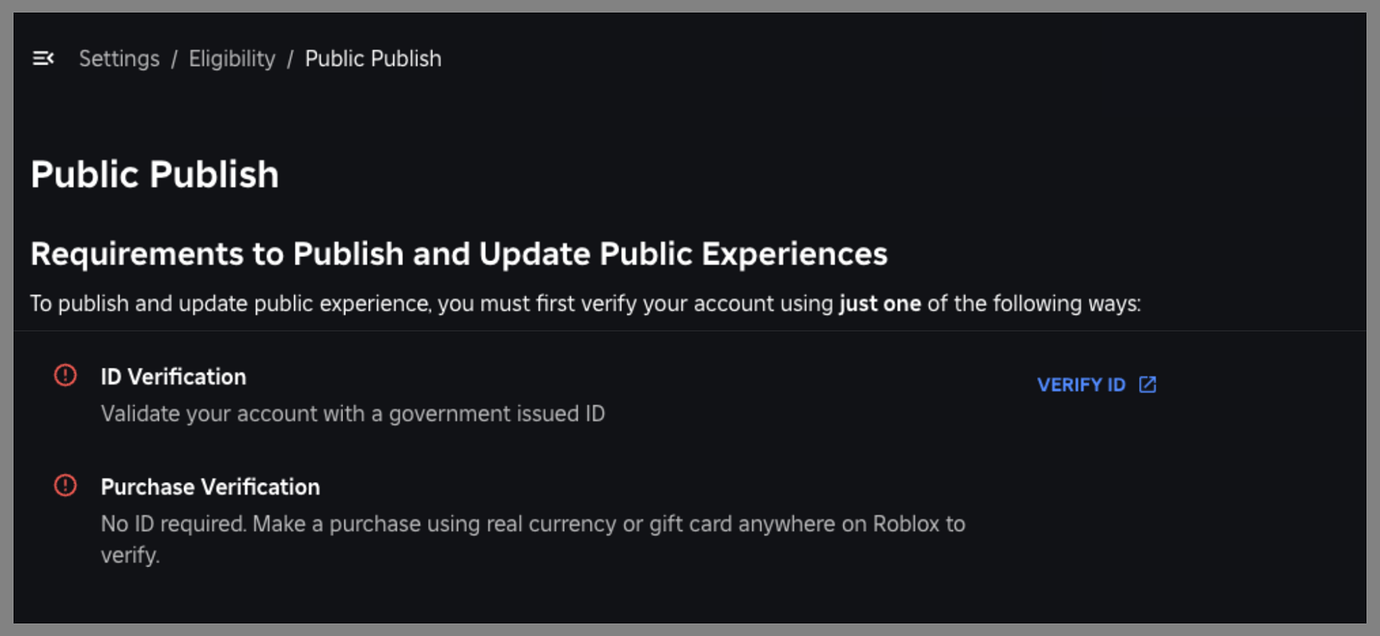
Is Roblox Having More Website Problems Website Bugs Developer . How To Imstall Roblox Easily In 2026 Your Ultimate Guide Install Roblox Step 30 . Can T Access Catalog Or Avatar Roblox Application And Website Bugs . Roblox Site . New To Publish And Update Public Experiences 2 1380x636




Roblox Gets Banned Across Country Roblox Press Image 1 . I Can T See My Or Others Creations On The Website Roblox Application . Roblox Beginner S Guide And Tips 4541326 Roblox Beginners Guide Sign Up . Roblox Is Down What You Need To Know TikTok Img. How Can You Play Roblox In 2026 And Beyond Roblox Xbox Can You Play Roblox On Xbox 1480 800 1.webp