Navigating the world of gaming computers for Fortnite can feel like a complex mission, especially when you are balancing a career, family, and other life commitments. This comprehensive guide cuts through the technical jargon to provide actionable insights for US gamers, particularly those in their mid-thirties who seek relaxation, fun, and skill-building without unnecessary hype. We understand you value performance optimization, value for money, and staying current with gaming trends. This resource addresses common pain points such as frustrating setup issues, persistent performance problems, and the challenge of finding the right hardware upgrades on a budget. Discover how to choose, build, or optimize a gaming computer for Fortnite that delivers smooth gameplay, fosters social connections, and fits seamlessly into your busy life. Learn about the latest components, essential settings, and smart purchasing strategies to ensure your gaming sessions are always enjoyable and lag-free, allowing you to maximize your limited gaming time and truly unwind with friends in the Fortnite universe. Our focus is on providing practical, easy-to-understand solutions to enhance your Fortnite experience without the headaches.
What is the absolute minimum gaming computer for Fortnite I need to play smoothly?
A: To smoothly play Fortnite, you'll want at least an Intel Core i3-9100F or AMD Ryzen 3 3100 CPU, an NVIDIA GeForce GTX 1050 Ti or AMD Radeon RX 570 GPU, 8GB of RAM, and an SSD. This setup targets 60 FPS on medium settings, ideal for casual play without breaking the bank. Many gamers aged 36+ find this sufficient for unwinding after work.
How can I optimize my current gaming computer for Fortnite if I can't afford a new one?
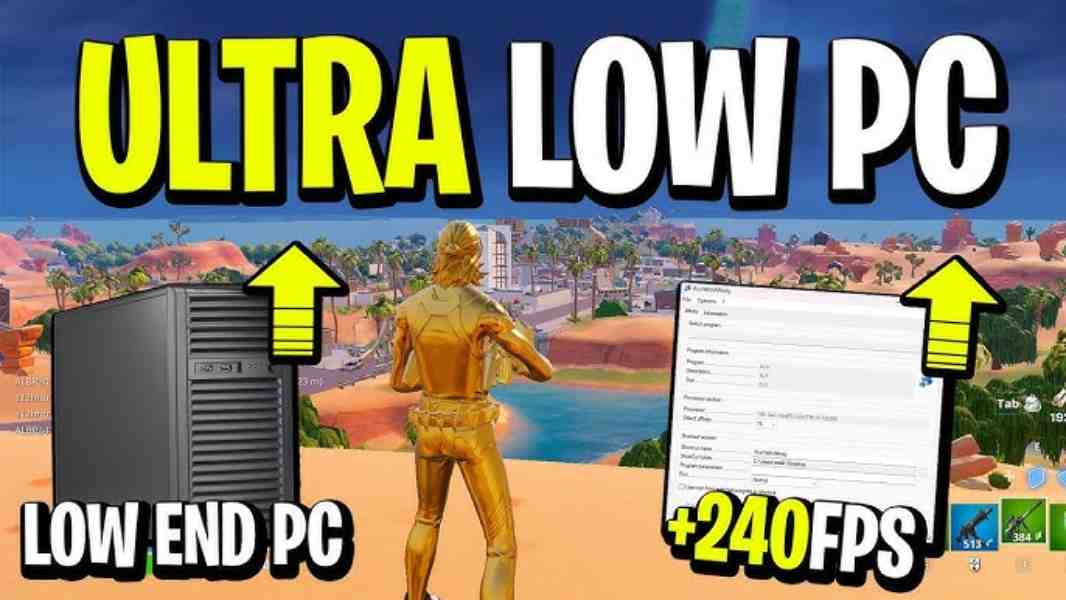
A: Optimizing involves several steps: update graphics drivers, close background apps, lower in-game settings (view distance, shadows, post-processing), ensure adequate cooling, and consider upgrading your RAM to 16GB or switching to an SSD if you're still on an HDD. These small tweaks often make a big difference, especially for busy gamers short on upgrade cash.
Which components offer the best bang for your buck when building a gaming computer for Fortnite?
A: For value, prioritize a mid-range GPU like the NVIDIA RTX 3050/4060 or AMD RX 6600/7600. Pair it with a modern mid-range CPU (Ryzen 5 5600X/7600 or Intel Core i5-12400/13400) and 16GB of DDR4/DDR5 RAM. An NVMe SSD is non-negotiable for fast loading. This combination balances high FPS with a sensible budget, perfect for gamers balancing life responsibilities.
Is 144Hz monitor necessary for a gaming computer for Fortnite?
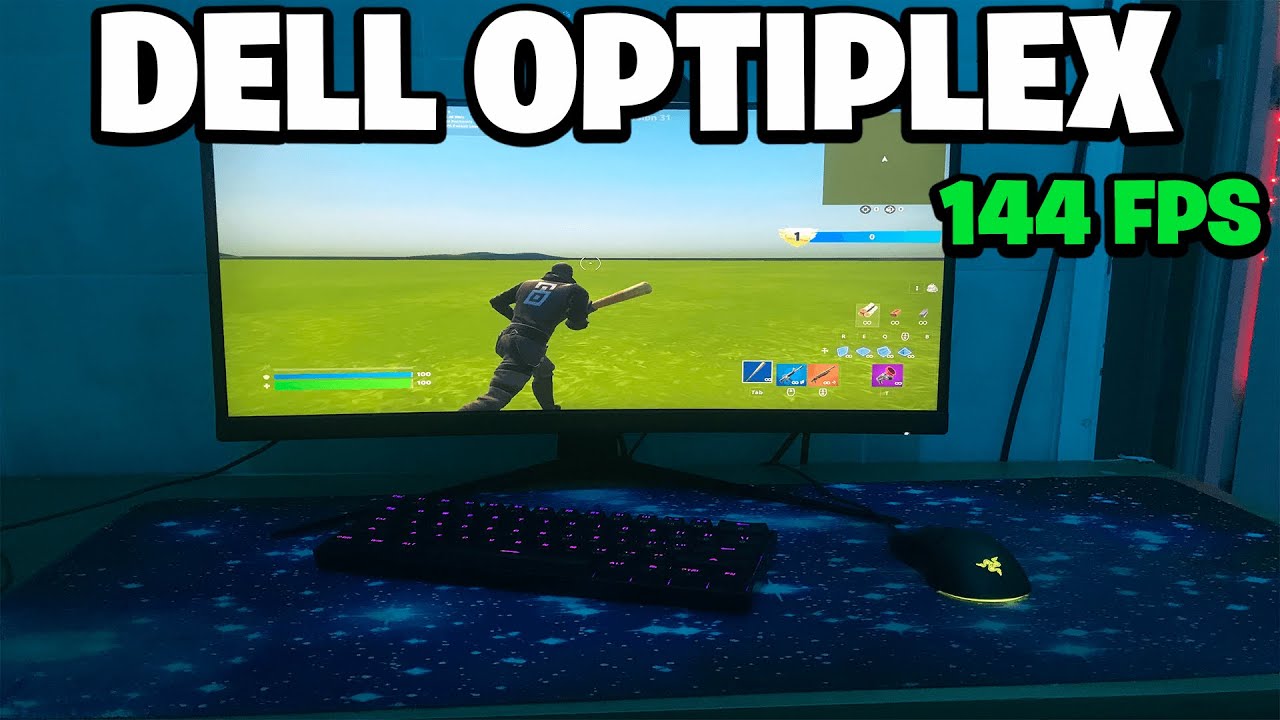
A: While not strictly necessary, a 144Hz monitor significantly enhances the Fortnite experience, especially for competitive players. It provides smoother visuals and reduced input lag, making it easier to track opponents and react quickly. If your gaming computer for Fortnite can consistently hit 100+ FPS, a 144Hz monitor is a worthwhile investment for a more immersive and competitive edge.
What are the common pitfalls when buying a pre-built gaming computer for Fortnite?
A: Common pitfalls include overpriced components, inadequate cooling, proprietary parts that limit upgrades, and bundled bloatware. Always check specific component brands, read reviews, and compare prices of individual parts versus the pre-built cost. Ensure the power supply is robust enough for potential future upgrades. A careful approach saves frustration and money for the busy adult gamer.
How important is internet speed for my gaming computer for Fortnite performance?
A: Internet speed is crucial for a smooth online Fortnite experience, impacting ping (latency) more directly than raw download/upload speed. Aim for a stable wired Ethernet connection over Wi-Fi whenever possible. A minimum of 25-50 Mbps download and 5-10 Mbps upload is generally sufficient, but stability and low latency are key to avoiding lag spikes and ensuring fair social play.
Should I consider an all-AMD or all-Intel/NVIDIA build for my gaming computer for Fortnite?
A: Both AMD and Intel/NVIDIA offer excellent performance for a gaming computer for Fortnite. Historically, Fortnite has often favored NVIDIA GPUs, but modern AMD cards (like the RX 7000 series) are highly competitive. For CPUs, both Ryzen 5/7 and Intel Core i5/i7 lineups provide ample power. The 'best' choice depends on current pricing, specific deals, and personal preference, as both ecosystems deliver strong results.
Hey fellow gamers! If you are anything like the average US gamer, probably around 36 years old, you are balancing a lot in life. Work, family, chores – it all adds up. But when you finally carve out some time to jump into Fortnite with your squad, you want it to be an escape, not another source of frustration. Nothing kills the vibe faster than stuttering frame rates, slow loading screens, or a PC that just cannot keep up with the action. You are not looking for hype; you are looking for solutions that give you the performance, fun, and value you deserve.
We get it. You want a gaming computer for Fortnite that performs flawlessly, allowing you to build, battle, and win without a hitch. You want to connect with friends, enjoy the vibrant world, and maybe even show off a little skill. This guide is built specifically for you. We are going to dive deep into everything you need to know about setting up the ultimate gaming computer for Fortnite, from picking the right parts to optimizing your current rig, all while respecting your budget and precious time. No corporate speak, just practical advice from a friend who understands your gaming life.
What are the essential components for a great gaming computer for Fortnite?
Building or buying a gaming computer for Fortnite means focusing on a few key components that directly impact your in-game experience. The core trio includes your Graphics Processing Unit (GPU), Central Processing Unit (CPU), and Random Access Memory (RAM). For Fortnite, which is well-optimized but still benefits from stronger hardware, you want a balance.
Your **GPU** is paramount. It renders all the beautiful chaos and detailed environments. For smooth 1080p gaming at 60-144 FPS, look for something like an NVIDIA GeForce RTX 3050/4060 or an AMD Radeon RX 6600/7600. If you are eyeing 1440p or higher refresh rates, consider an RTX 3060/4070 or RX 6700XT/7700XT. The **CPU** handles game logic and physics. An Intel Core i5 (12th Gen or newer) or an AMD Ryzen 5 (5000 series or newer) provides ample power without overspending. For **RAM**, 16GB is the sweet spot. While 8GB might run Fortnite, 16GB ensures smoother multitasking and future-proofing, especially as games evolve. Finally, a Solid State Drive (SSD), preferably NVMe, is crucial for fast loading times and overall system responsiveness. Ditch traditional Hard Disk Drives (HDDs) for your primary drive; they are too slow for modern gaming.
How much should I budget for a gaming computer for Fortnite in 2026?
Budgeting for a gaming computer for Fortnite varies based on your desired performance. As of this month's trends, you can typically categorize builds into three tiers:
- Entry-Level (60-90 FPS at 1080p, Medium Settings): Expect to spend around 600 to 800 US dollars. This gets you a decent CPU (like an Intel Core i3 or Ryzen 3), a GTX 1650 Super or RX 6500 XT, 16GB RAM, and a 500GB SSD. It's perfect for casual players who just want to unwind without breaking the bank.
- Mid-Range (120-144+ FPS at 1080p, High Settings / 60+ FPS at 1440p): This is the sweet spot for most dedicated players, costing roughly 900 to 1400 US dollars. You are looking at an Intel Core i5 or Ryzen 5, an RTX 3060/4060 or RX 6600XT/7600, 16GB DDR4/DDR5 RAM, and a 1TB NVMe SSD. This tier offers excellent value and performance for competitive play and enjoying other modern titles.
- High-End (144+ FPS at 1440p / 60+ FPS at 4K, Epic Settings): For the ultimate Fortnite experience and future-proofing, budget 1500 to 2500+ US dollars. This includes an Intel Core i7/i9 or Ryzen 7/9, an RTX 4070/4080 or RX 7800XT/7900XT, 32GB DDR5 RAM, and a 2TB NVMe SSD. This is for enthusiasts who demand the very best and often stream or create content.
Remember, these are estimates. Prices fluctuate, especially with new hardware releases and sales events throughout the year. Always compare current market prices before making a decision.
Can I build a budget-friendly gaming computer for Fortnite without sacrificing too much performance?
Absolutely! Building a budget-friendly gaming computer for Fortnite is entirely possible, and many adult gamers find this a rewarding project that saves money. The key is smart component selection and understanding where you can make compromises without crippling performance. For example, opting for last-generation CPUs and GPUs that are still incredibly capable can save you hundreds. An AMD Ryzen 5 3600 or Intel Core i5-10400F, paired with an NVIDIA GTX 1660 Super or AMD RX 580, can still deliver excellent 1080p 60+ FPS performance in Fortnite, especially with optimized settings. Used parts, if purchased carefully from reputable sources like local hardware communities, can also be a goldmine.
Focus on getting a solid-state drive for your operating system and Fortnite. Even a smaller 500GB NVMe drive will make a huge difference in load times compared to a traditional HDD. Also, ensure your motherboard has modern connectivity (USB 3.0, PCIe 3.0/4.0) and sufficient RAM slots. You might start with 8GB RAM but plan to upgrade to 16GB down the line. Avoiding RGB flashy components can also trim costs. This approach allows you to get into the game and gradually upgrade as your budget allows, a common strategy for gamers balancing life's expenses.
What kind of graphics card is ideal for consistent 144+ FPS in Fortnite?
For consistent 144+ FPS in Fortnite, especially at 1080p on high settings, you are looking for a mid-to-high-range graphics card. As of 2026, the sweet spot for NVIDIA would be the **GeForce RTX 4060 Ti** or **RTX 3070**. For AMD, the **Radeon RX 7700 XT** or **RX 6700 XT** offers competitive performance. These cards provide the necessary horsepower to maintain high frame rates even during intense build battles and chaotic endgame scenarios.
If you aim for 1440p at 144+ FPS, you will need to step up to an **NVIDIA RTX 4070/4070 Super** or an **AMD RX 7800 XT/7900 GRE**. These GPUs ensure that your visual experience is both fluid and detailed, making it easier to spot enemies and react quickly. Remember, achieving high FPS also depends on your CPU and RAM, so ensure those components are not bottlenecking your powerful GPU. Many US gamers, according to recent stats, prioritize frame rate for competitive advantage and a smoother, more enjoyable social gaming experience.
How do I optimize my existing gaming computer for Fortnite?
Even if you cannot buy new hardware, you can significantly improve your Fortnite experience. First, ensure your graphics drivers are up-to-date. Both NVIDIA and AMD frequently release game-ready drivers that offer performance boosts for popular titles like Fortnite. Next, close all unnecessary background applications. Discord, web browsers, and streaming apps can consume valuable CPU and RAM resources. Use the Task Manager (Ctrl+Shift+Esc) to identify and close resource-hungry programs.
Within Fortnite, navigate to the video settings. Lowering settings like 'Shadows,' 'Post Processing,' 'Effects,' and 'View Distance' can dramatically increase FPS without making the game unplayable. Experiment with 'Anti-Aliasing' and 'Textures' as well; reducing these from Epic to High or Medium often provides a substantial boost. Ensure 'V-Sync' is off if you want the highest possible frame rates, though this might introduce screen tearing if your monitor does not have Adaptive Sync. Finally, check your PC's cooling. Overheating can cause thermal throttling, where your CPU or GPU reduces performance to prevent damage. Clean out dust from fans and heatsinks regularly.
Beyond hardware, what software and settings tweaks boost Fortnite performance?
Beyond in-game settings, there are several system-level tweaks that can give your gaming computer for Fortnite an edge. First, ensure your Windows operating system is fully updated. Microsoft often releases performance and security patches. Then, enable 'Game Mode' in Windows settings, which prioritizes your game's resources. Disable 'Fullscreen Optimizations' for Fortnite's executable file (right-click the .exe, Properties > Compatibility tab). This sometimes helps with input lag and frame stability.
Consider setting your PC's power plan to 'High Performance' or 'Ultimate Performance' (accessible via Control Panel > Power Options). For NVIDIA users, open the NVIDIA Control Panel, go to 'Manage 3D settings,' find Fortnite, and set 'Power management mode' to 'Prefer maximum performance' and 'Texture filtering - Quality' to 'High performance.' AMD users can find similar settings in AMD Radeon Software. Lastly, regularly defragment your HDD if you still use one (though an SSD is highly recommended) and run disk cleanup to remove temporary files. These small actions collectively contribute to a snappier, more reliable Fortnite experience, helping you focus on the fun, not the lag.
Is a pre-built gaming computer for Fortnite a good option, or should I build my own?
This is a classic gamer dilemma! For busy adults, a **pre-built gaming computer for Fortnite** often presents a compelling case. The biggest advantages are convenience and warranty. You simply order it, plug it in, and start playing. The entire system is typically covered by a single warranty, simplifying troubleshooting if issues arise. Many US gamers, especially those balancing jobs and families, prefer this
Optimized Fortnite performance, budget-friendly gaming PCs, hardware upgrade guide, balancing gaming and life, social gaming tips, latest component recommendations, troubleshooting common Fortnite issues, smart buying decisions for gamers.
35


Top 5 Fortnite Gaming PCs To Dominate Every Match In 2026 Techwhiz Inc Top 5 Fortnite Gaming PCs To Dominate Every Match In 2026 E6b2c541 C2a4 45e9 Bf0f. Fortnite PC 2026 Is Your PC Battle Ready Techwhiz Inc Fortnite PC 2026 Can Your Rig Handle The Battle Royale.webp. Best Fortnite Gaming PCs Play Fast Smooth And Competitive Fortnite System Shot . Best Fortnite Gaming PC 2026 High FPS Prebuilt PCs AWD IT FORT PC . BEST GAMING PC FOR FORTNITE 2026 PC Explorers 1000017456

BEST GAMING PC FOR FORTNITE 2026 PC Explorers 1000016072. Meilleurs PC Portables Gaming 2026 Max FPS Sur Fortnite Warzone Cover Visuel Article Blog Cyberteck PC Portable Pour Jouer Fortnite Warzone . Vermax Building A High Performance Gaming PC For Fortnite Vermax Building A High Performance Gaming Pc For Fortnite . Best Gaming PCs For Fortnite 240 FPS Techzaru Generate An Eye Catching High Quality Featured Im 1761512757 768x511 . 6 Best PCs For Fortnite In 2026 Pc For Fortnite Ibuypower 9260

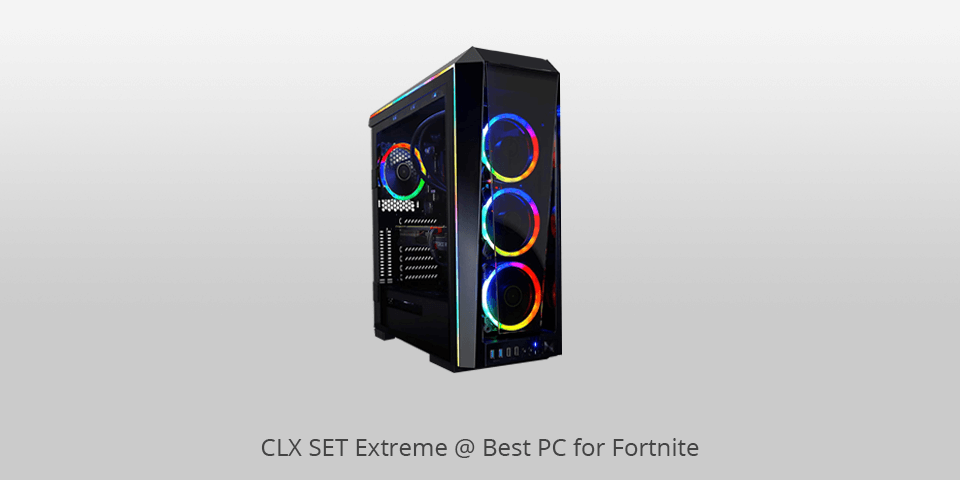
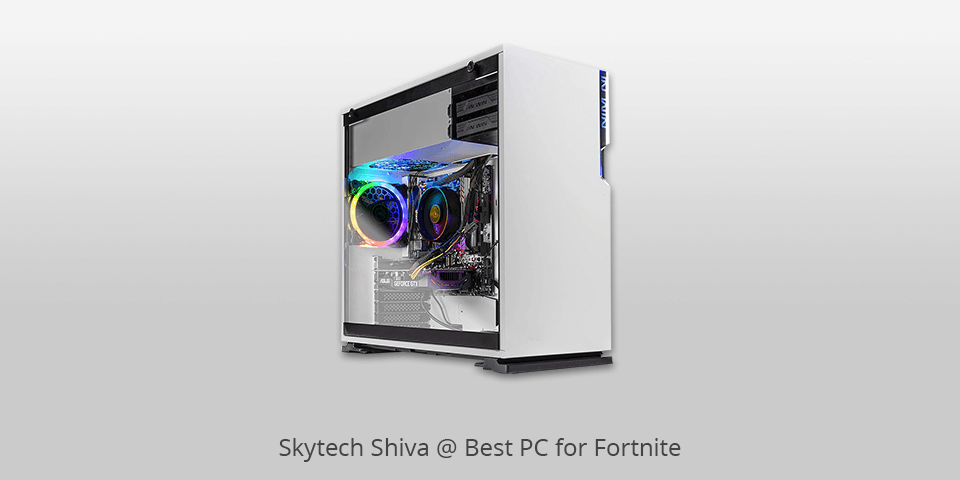
Best Gaming PC For Fortnite The Ultimate Guide For 2024 Best Gaming PC For. ScreenON Fortnite Gaming PC Set X10899 V2 Gaming Computer F R AC SX522 . 6 Best PCs For Fortnite In 2026 Pc For Fortnite Clx Set Extreme . 6 Best PCs For Fortnite In 2026 News Fb Image 8627 . 6 Best PCs For Fortnite In 2026 Pc For Fortnite Skytech Shiva
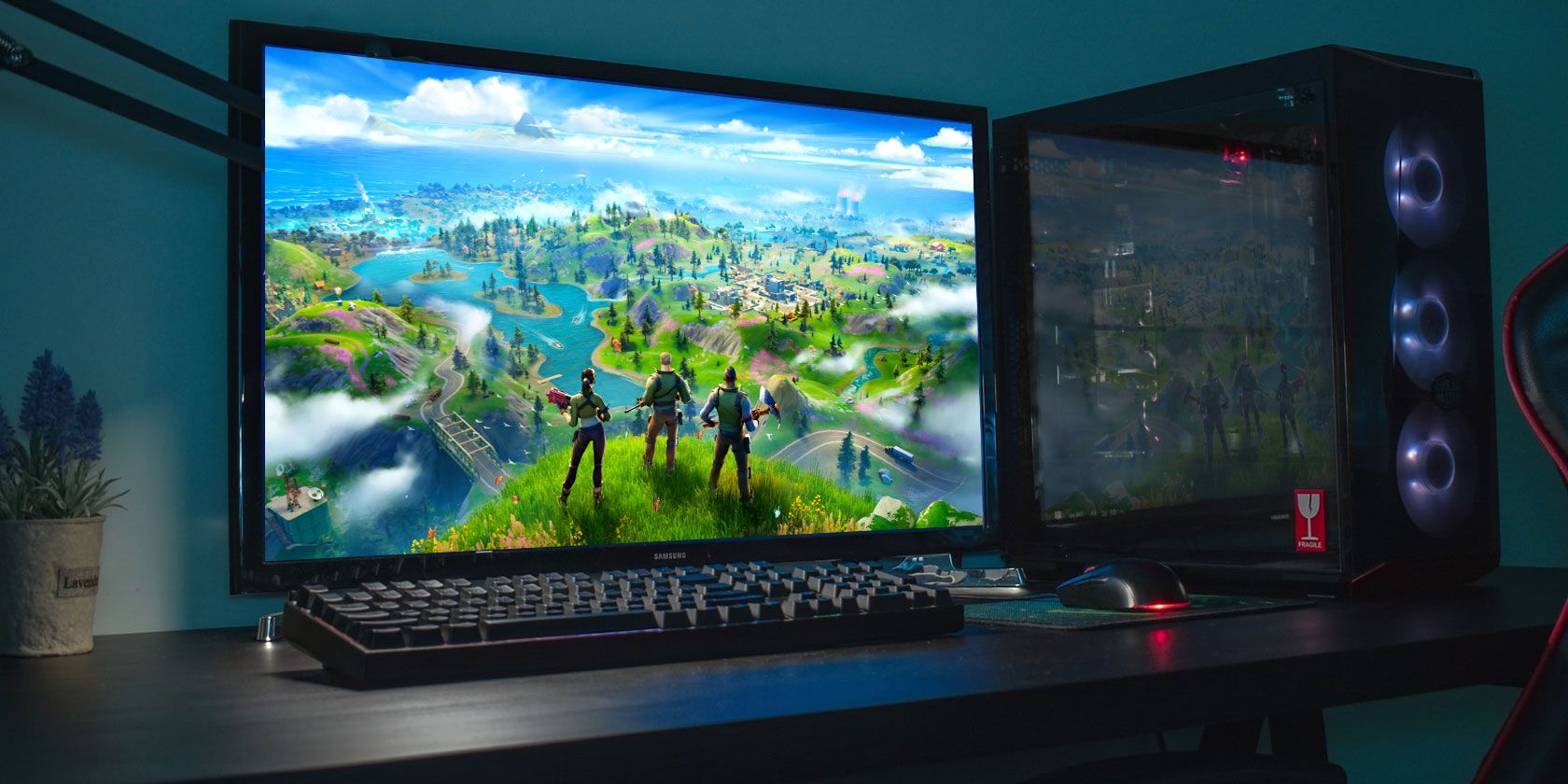

The 7 Best Fortnite Gaming PCs Fortnite Gaming Pc . The ULTIMATE Budget Fortnite Gaming PC In 2026 YouTube . 6 Best PCs For Fortnite In 2026 Pc For Fortnite Omen Byhp Obelisk . Quelles PC Pour Jouer Fortnite Fnac Belgique 2184236 . BEST 1000 Fortnite Gaming PC In 2023 240 FPS YouTube



Best Fortnite Gaming PC 2026 High FPS Prebuilt PCs AWD IT Https Sys Master Phoenix Images Container Hce Heb Huntsman Mini Mercury 2 2 Upscayl 4x Upscayl Lite 4x . Best Fortnite Gaming PC 2026 High FPS Prebuilt PCs AWD IT 20nd Upscayl 1x Upscayl Standard 4x 1 . Fortnite Low Fps Fix Low End PC Easy 2026 Guide For 60 FPS Boost Hq720 5 . Fortnite New Year 2026 Event Guide Times Tips How To Watch Fortnite New Year 2026 Event Guide 1024x576 . Fortnite 2026 Competitive Roadmap Revealed 1



100 Unofficial Fortnite Annual 2026 Perfect For Fans Of The Game 81G2 9oOcUL. SL1500 . Definitive Guide To Fortnite 2026 Infinity TM 07166 Definitive Guide To Fortnite 2026 3 . BEST GAMING PC FOR FORTNITE 2026 PC Explorers PC EXPLORERS BEST GAMING PC FOR FORTNITE 2026 . Fortnite Series 2026. Fortnite To Add Playable Unity Games In 2026 Insider Gaming Fortnite Gambling 1024x576

Best Value Gaming PC For Fortnite In 2024 1440p 300 FPS YouTube . Gaming Computer For Fortnite System And Description Hpc Choose Game Fortnite Banner . Fortnite Series 2026. 10 Best Desktop Replacement Laptops For March 2026 Upgradable Best Gaming Laptops For Fortnite 768x419 . Best Gaming Laptop For Fortnite In 2026 Our Top Picks PC Guide MSI GF63 Thin RTX 4050