Embark on the ultimate journey to craft your personalized gaming powerhouse with our comprehensive guide to building a custom gaming PC in 2026. This year, with advancements in AI-driven hardware and a booming social gaming landscape, tailoring your machine means optimizing for both peak performance and seamless lifestyle integration. Forget the compromises of pre-builts; a custom built gaming PC offers unparalleled control over every component, ensuring your rig perfectly aligns with your gaming habits, budget, and future upgrade aspirations. Whether you're a seasoned enthusiast or a first-time builder, we navigate the complexities of component selection, budget management, and performance optimization. Learn how to future-proof your investment, troubleshoot common issues, and unlock new levels of immersion and social connectivity. Discover why 87% of US gamers play regularly, often balancing intense sessions with busy lives, and how a custom PC supports this dynamic. From maximizing your frame rates in the latest AAA titles to enjoying cozy co-op experiences with friends, this guide provides the actionable insights you need to make smart, informed decisions. Dive into the world of custom PCs and build a system that truly enhances your digital life, ensuring you stay ahead without succumbing to unnecessary hype or overspending. This is your essential resource for unlocking true gaming freedom and efficiency.
Is it hard to build a custom gaming PC?
Building a custom gaming PC might seem daunting, but it's more like assembling LEGOs for adults with a detailed instruction manual. Most parts click into place, and there are countless video guides online. The hardest part is often just starting, but with patience and careful attention to detail, it's a very achievable and rewarding project for anyone, even first-timers.
How much does a custom built gaming PC cost?
The cost of a custom built gaming PC varies widely, typically ranging from $800 for a solid entry-level 1080p machine, to $1500-$2500 for a high-end 1440p/4K monster, and beyond $3000 for enthusiast-grade systems in 2026. Your budget dictates component choices, but building custom often gets you more performance per dollar than a prebuilt.
What parts do I need for a custom gaming PC?
For a functional custom gaming PC, you'll need a CPU, GPU, motherboard, RAM, storage (NVMe SSD recommended), a power supply unit (PSU), and a case. You'll also need a CPU cooler, which sometimes comes with the CPU or is purchased separately. Don't forget an operating system!
Where can I buy custom gaming PC parts?
You can buy custom gaming PC parts from major online retailers like Amazon, Newegg, Best Buy, and Micro Center (if you have one nearby). Manufacturer websites also sell directly, and price comparison sites like PCPartPicker.com are invaluable for finding the best deals across multiple vendors.
What are the benefits of a custom gaming PC?
The main benefits of a custom gaming PC include getting exactly the performance you need for your budget, superior upgradeability for future technologies, better cooling and aesthetics, and the satisfaction of building it yourself. You avoid paying for unnecessary bloatware or overpriced components often found in prebuilts.
What is the absolute first step for a first-time builder?
The very first step is to define your gaming needs and budget. Before you even look at components, consider what games you play, at what resolution and frame rate, and how much you're truly willing to spend. This clarity will guide all your subsequent component choices, preventing overspending or under-specifying.
How do I know if my custom PC build is compatible before buying parts?
Compatibility is crucial. Use online PC Part Picker tools like PCPartPicker.com or similar configurators. These tools automatically check for compatibility issues between your chosen CPU, motherboard, RAM, GPU, power supply, and case, flagging any potential conflicts before you make your purchases.
What are the common mistakes new custom PC builders make and how can I avoid them?
New builders often rush, forget anti-static precautions, or misread manuals. Key mistakes include not seating RAM or GPU correctly, applying too much or too little thermal paste, and improper cable management. Avoid these by watching detailed build guides, taking your time, and double-checking every connection and screw.
Can building a custom gaming PC really save me money compared to a prebuilt one?
Yes, often significantly. While prebuilts offer convenience, they usually come with a 'builder's premium'. By building your own, you save on labor costs and can precisely choose components to fit your budget and performance needs, ensuring every dollar contributes to your gaming experience rather than overhead.
How do I troubleshoot common boot-up problems after assembling my custom gaming PC?
Boot-up issues are frustrating but often solvable. First, ensure all power cables are securely connected. Check RAM seating, then reset CMOS. Listen for POST codes or check motherboard diagnostic LEDs for clues. Most often, it's a loose cable, improperly seated component, or a simple BIOS setting.
What are the best resources for learning to build a custom gaming PC in 2026?
YouTube channels like JayzTwoCents, Gamers Nexus, and Paul's Hardware offer excellent step-by-step build guides and component reviews. Online forums such as Reddit's r/buildapc and manufacturer websites also provide invaluable help, alongside detailed written tutorials from tech sites like Tom's Hardware or PCGamer.
How do I ensure my custom PC stays relevant with new game releases and technology trends?
Future-proofing involves selecting a robust CPU and a high-wattage power supply, which are usually the least frequently upgraded parts. Prioritize a motherboard with modern features like PCIe 5.0 and DDR5 support. Opt for an easily upgradable GPU and sufficient RAM, as these are often the first components to show their age, but are easily swapped out on a custom build.
Are you a gamer juggling work, family, and life's endless demands, often finding limited time for your passion? You're not alone. Around 87% of US gamers play regularly, many balancing 10+ hours a week with adult responsibilities. We all crave that perfect escape, that thrilling competition, or that cozy social experience with friends online. But nothing breaks the immersion faster than a stuttering frame rate, slow load times, or a PC that simply can't keep up with the latest titles or social platforms like Discord.
For many, the dream of a powerful, reliable gaming machine often clashes with budget realities and the fear of complex hardware. Pre-built PCs offer convenience, but they frequently come with compromises: overpriced components, inefficient cooling, or limitations that quickly become frustrating. This month, as gaming trends lean towards more demanding titles and seamless cross-platform social experiences, a generic machine just won't cut it. This is where a custom built gaming PC shines. It's about taking control, optimizing for your exact needs, and investing smart. This guide will demystify the process, offer practical solutions to common pain points, and empower you to craft the ultimate gaming rig that perfectly balances performance, value, and your busy lifestyle in 2026.
Why choose a custom built gaming PC over a prebuilt one in 2026?
Opting for a custom built gaming PC in 2026 offers distinct advantages that pre-built systems often cannot match. Firstly, control over component selection means you can allocate your budget precisely where it matters most for your gaming habits. If you play graphically intensive AAA titles, you can invest more in the GPU. If you're into esports or streaming, a powerful CPU and ample RAM might be your priority. This targeted approach ensures maximum value for every dollar spent, avoiding unnecessary premium costs often bundled with pre-builts.
Secondly, a custom build grants you superior upgradeability and future-proofing. You select a motherboard with the latest standards (like PCIe 5.0 and DDR5 RAM support), an efficient power supply with headroom, and a case designed for airflow and easy access. This modularity means that when new technologies emerge or your gaming needs evolve, you can upgrade individual components rather than replacing the entire system, saving you money and hassle in the long run. Lastly, the satisfaction of building your own machine and understanding its inner workings provides a unique sense of accomplishment and makes troubleshooting far more intuitive.
What essential components do I need for a custom gaming PC build?
Building a custom built gaming PC requires several core components, each playing a vital role in performance. Here's a breakdown of the essentials:
- CPU (Central Processing Unit): The brain of your PC, responsible for processing instructions. Options from Intel (Core i5, i7, i9) or AMD (Ryzen 5, 7, 9) depend on your budget and workload.
- GPU (Graphics Processing Unit): Crucial for gaming, rendering visuals to your monitor. NVIDIA (GeForce RTX series) and AMD (Radeon RX series) are the main players. This is often the most expensive component for a gaming rig.
- Motherboard: Connects all components, acting as the nervous system. Ensure compatibility with your chosen CPU socket and RAM type (DDR4 or DDR5).
- RAM (Random Access Memory): Temporarily stores data for quick access. 16GB is the minimum standard for modern gaming, with 32GB being ideal for enthusiasts and multitaskers in 2026.
- Storage (SSD/HDD): An NVMe SSD (Solid State Drive) is essential for your operating system and frequently played games due to its speed. A larger HDD (Hard Disk Drive) can be added for mass storage of less-accessed files.
- PSU (Power Supply Unit): Provides power to all components. Ensure it has enough wattage to support your chosen parts, especially the GPU, and a good efficiency rating (e.g., 80 Plus Bronze/Gold).
- Case: Houses all your components. Consider airflow, size (ATX, Micro-ATX, Mini-ITX), aesthetics, and cable management features.
- CPU Cooler: Keeps your CPU from overheating. Can be air-based (fans and heatsinks) or liquid-based (AIO – All-in-One liquid coolers). Often, a good air cooler is sufficient and more cost-effective.
How can I build a custom gaming PC on a budget without sacrificing performance?
Building a custom built gaming PC on a budget doesn't mean settling for poor performance; it means making smart, informed choices. Here’s how:
- Prioritize the GPU and CPU: These are your performance pillars. Look for previous generation but still powerful options. For instance, a slightly older Ryzen 7 or Intel Core i7, paired with an RTX 30-series or RX 6000-series GPU, can offer excellent 1440p gaming without breaking the bank.
- Smart Storage Solutions: Don't buy a massive NVMe SSD right away. Start with a 500GB-1TB NVMe for your OS and main games, then add a larger, cheaper SATA SSD or HDD for other files later.
- RAM Sweet Spot: 16GB of DDR4 RAM at 3200MHz or DDR5 at 5200MHz is usually sufficient for most games. Only upgrade to 32GB if you're heavily multitasking or running very memory-intensive applications.
- Efficient Power Supply: Don't overspend on an extremely high wattage PSU unless you plan serious upgrades. A reliable 650W-750W 80 Plus Bronze/Gold unit is often enough for mid-range systems and offers good value.
- Case & Cooling: A functional case with good airflow is more important than a flashy one. Stock CPU coolers often suffice for non-overclocked CPUs, or consider an affordable aftermarket air cooler which outperforms stock options significantly without the cost of an AIO.
- Utilize Sales and Bundles: Keep an eye on sales events like Black Friday, Cyber Monday, or Amazon Prime Day. Component bundles (CPU+Motherboard) can also offer substantial savings.
- Consider Used Parts (Carefully): Purchasing a used GPU from a reputable seller or platform can offer huge savings, but always exercise caution and verify functionality.
What are the latest trends in custom gaming PCs for 2026?
2026 is seeing some exciting trends in the world of custom built gaming PCs, driven by both technological advancements and evolving gamer preferences. Firstly, AI integration is becoming more prevalent, not just in game development but also in hardware. We’re seeing GPUs with enhanced AI cores that boost upscaling technologies like DLSS and FSR, making games look sharper and run smoother at higher resolutions, even on mid-range hardware. This is a game-changer for those balancing performance with budget.
Secondly, the rise of more social and cozy games, alongside continued growth in esports, means many gamers are prioritizing stable, high-refresh-rate performance over raw 4K power. This translates to builds optimized for 1440p at 144Hz+ refresh rates, often emphasizing a balanced CPU/GPU pairing. Mobile gaming dominance also influences PC habits, with more gamers seeking seamless cross-platform experiences and robust PC builds that support game streaming to handheld devices.
Finally, sustainability and aesthetics are increasingly important. Builders are looking for more power-efficient components and cases with better airflow to reduce fan noise and energy consumption. RGB lighting remains popular but is now often integrated with smarter, subtler effects, alongside custom liquid cooling loops that serve both performance and visual flair. These trends allow gamers to build machines that are not only powerful but also smart, efficient, and visually appealing, reflecting a more mature and discerning market.
How do I ensure my custom built gaming PC is future-proof for years to come?
Future-proofing your custom built gaming PC is about making strategic choices that allow for easy upgrades and compatibility with upcoming technologies. Here are key areas to focus on:
- Motherboard: Invest in a motherboard with the latest chipset that supports modern standards like PCIe 5.0 (for future GPUs and NVMe SSDs) and DDR5 RAM. Ensure it has enough M.2 slots for fast storage expansion.
- Power Supply Unit (PSU): Don't skimp here. Choose a high-quality PSU with a higher wattage than your current components strictly require (e.g., 850W or 1000W for a mid-to-high-end build). This overhead will accommodate future, more power-hungry GPUs and CPUs.
- CPU Socket: While CPU sockets change, opting for a current-generation platform (e.g., AMD's AM5 or Intel's LGA1700) ensures you'll have upgrade paths within that same socket for a few years.
- Case: Select a spacious case with excellent airflow and good support for larger GPUs and liquid cooling radiators. Good cable management options also make future upgrades much easier.
- RAM: While 16GB is fine for now, consider a motherboard with four RAM slots and start with two 8GB sticks. This leaves two slots open for future expansion to 32GB or more, without needing to replace existing RAM.
- Cooling: A robust CPU cooler (either a high-end air cooler or a 240/360mm AIO) can handle more powerful CPUs down the line, especially if you decide to upgrade to a higher-tier processor.
What are common setup issues with a custom built gaming PC and how can I troubleshoot them?
Even seasoned builders encounter setup issues. For a custom built gaming PC, common problems include:
- No Display/Black Screen: This is perhaps the most frequent. Ensure your monitor is plugged into the GPU, not the motherboard's integrated graphics. Reseat your RAM sticks firmly until they click. Check all power connections, especially to the GPU and CPU. Clear the CMOS (refer to your motherboard manual).
- PC Powers On but No Boot: Listen for beep codes if your motherboard has a speaker, or check diagnostic LEDs on the motherboard itself. These lights or codes often point to issues with CPU, RAM, or GPU. Double-check the CPU 8-pin power cable.
- Windows Installation Problems: Ensure your bootable USB drive is created correctly and that your BIOS is set to boot from it. Check your drive connections. Try disabling secure boot or enabling CSM if necessary in BIOS.
- Overheating: Verify your CPU cooler is properly seated and thermal paste is applied. Check fan orientations for proper airflow (intake/exhaust). Monitor temperatures with software like HWMonitor.
- Driver Issues: After Windows is installed, download the latest GPU drivers directly from NVIDIA or AMD's website. Update motherboard chipset drivers from your motherboard manufacturer's site.
When troubleshooting, always take a systematic approach. Check one thing at a time. The internet, especially forums like Reddit's r/buildapc, and YouTube tutorials are invaluable resources for specific error codes or symptoms.
How can a custom PC enhance my social gaming experience and online presence?
A custom built gaming PC significantly enhances your social gaming experience and online presence, which is increasingly vital in 2026 with the rise of social gaming trends and streamer influence. First, a powerful custom PC provides the stability and performance needed for smooth, high-fidelity gameplay, ensuring you're never lagging behind your friends in competitive titles or missing crucial moments in cooperative adventures. This reliability minimizes frustration and maximizes fun, allowing you to focus on the social interaction rather than technical glitches.
Beyond just playing, a custom PC tailored for multitasking can seamlessly handle voice chat on Discord, background music, and even simultaneous streaming or content creation. With a robust CPU and ample RAM, you can easily run multiple applications without performance drops, making you a more versatile and engaging participant in your online communities. Many custom builds integrate high-quality microphones and webcams, elevating your communication clarity and visual presence for friends, teammates, or even an audience if you choose to stream. Furthermore, the ability to play a wider variety of games, from popular free-to-play titles to the latest VR experiments, ensures you're always part of the conversation and can join any gaming group. Ultimately, a custom PC empowers you to connect, compete, and create with confidence, strengthening your digital friendships and expanding your reach.
Is building a custom gaming PC worth the time and effort for busy adults?
For many busy adults who game to unwind, socialize, or build skills, building a custom built gaming PC is absolutely worth the time and effort. While the initial investment of time can seem daunting, the long-term benefits far outweigh it. You gain a machine precisely tailored to your specific needs and budget, meaning you’re not paying for features you don’t want or compromising on performance where it matters most. This personalized approach often results in a more satisfying and efficient gaming experience.
Think of it as an investment in your leisure and relaxation. A perfectly optimized PC reduces frustrations like lag or slow load times, maximizing your limited gaming sessions. It also provides a unique learning opportunity, granting you a deeper understanding of technology that can be useful in other areas of life. Plus, the modular nature of a custom build means easier, more cost-effective upgrades down the line, extending your PC's lifespan and value. Instead of buying a new pre-built every few years, you can simply upgrade a GPU or add more RAM. The sense of accomplishment from building your own powerful machine is a bonus, turning a potential chore into a rewarding project that pays dividends in enjoyment and peace of mind.
How do I balance gaming with my job and family using a custom PC?
Balancing gaming with job and family responsibilities using a custom built gaming PC comes down to smart time management and leveraging your PC's capabilities. Firstly, the efficiency of a custom PC ensures that when you do have limited time, every minute counts. Fast load times, smooth performance, and quick multitasking mean less waiting and more playing, allowing you to dive into a game for even a short 30-minute window and feel satisfied.
Many busy gamers find success by scheduling dedicated gaming sessions, much like any other appointment. Your custom PC can be configured to jump into action instantly, thanks to fast NVMe SSDs and optimized software. You can also leverage features like game streaming to a mobile device or handheld, allowing for short, casual gaming during breaks or commutes without monopolizing the main screen. Furthermore, your powerful PC isn't just for gaming; it can be a productivity powerhouse for work tasks, creative projects, or family entertainment, consolidating your tech needs. By having a reliable, high-performance machine that serves multiple purposes, you streamline your digital life, ensuring gaming remains a joyful, stress-relieving activity rather than a source of guilt or conflict with other important aspects of life.
What are some recommended games for busy gamers with custom PCs this month?
For busy gamers with a new custom built gaming PC, this month offers a fantastic array of titles that cater to various time commitments and tastes. For quick, social bursts of fun, consider titles like Helldivers 2 (co-op, intense action) or Palworld (monster-collecting survival, can be played casually or intensely with friends). These games offer rewarding progression even in shorter sessions and are perfect for jumping in with friends after a long day.
If you're looking for something more relaxing and cozy, yet still engaging, Stardew Valley or Animal Crossing: New Horizons (via emulation on a powerful PC, or similar PC titles like Cozy Grove) provide endless hours of low-stress enjoyment that can be picked up and put down at will. For those who enjoy strategic thinking and deep narratives, a custom PC can handle demanding RPGs like Baldur's Gate 3 or action-RPGs like Diablo IV, where you can make significant progress in a single hour. Many free-to-play titles like Fortnite, Valorant, or Apex Legends continue to thrive, offering competitive thrills without an upfront cost, and your custom PC will ensure you're always playing at peak performance. The key is to choose games that respect your time and offer flexible progression, making every minute of your gaming valuable.
The journey of building your own custom built gaming PC might seem like a monumental task, especially when balancing it with a busy adult life. However, as we've explored, the benefits far outweigh the initial investment of time. From unmatched performance and budget control to future-proof upgradeability and the sheer satisfaction of creating your ultimate machine, a custom PC empowers you to game smarter, not harder. It’s about crafting an experience that perfectly fits your lifestyle, ensuring that every precious moment you dedicate to gaming is optimized for fun, relaxation, or competitive thrill. In 2026, with evolving tech and gaming trends, a tailored machine is more relevant than ever.
What's your biggest gaming challenge with your current setup? Are you ready to take the leap into custom building? Comment below and share your thoughts!
FAQ Section
Q: How long does it typically take to build a custom gaming PC for a first-timer?
A: For a first-timer, assembling a custom gaming PC can take anywhere from 4 to 8 hours. This includes unpacking, carefully following instructions, and initial troubleshooting. Experienced builders can often complete a build in 1-3 hours. It's a rewarding process, so don't rush it.
Q: Do custom built gaming PCs come with a warranty?
A: When you build a custom PC, individual components come with their own manufacturer warranties (e.g., CPU, GPU, RAM, motherboard each have separate warranties). The overall system itself does not have a single warranty, which is different from pre-built systems. Always register your components and keep purchase receipts.
Q: Can I really save money by building my own PC compared to buying a pre-built one?
A: Yes, in most cases, building your own PC can save you significant money. Pre-built systems include a premium for assembly, testing, and branding. By building it yourself, you avoid these added costs and can often get higher-quality components for the same budget, or a more powerful machine for less money.
Q: What operating system should I use for my custom built gaming PC in 2026?
A: For a custom built gaming PC in 2026, Windows 11 is the standard recommendation. It offers the latest DirectX features, optimized gaming performance, and better compatibility with modern hardware and games. Ensure you purchase a legitimate license.
Q: Is liquid cooling (AIO) necessary for a high-performance custom gaming PC?
A: Liquid cooling (AIO) is not always necessary, even for high-performance custom gaming PCs. High-end air coolers are often just as effective, quieter, and more reliable for most CPUs, even overclocked ones. AIOs are typically chosen for extreme overclocking, specific aesthetics, or for very compact cases where air coolers might not fit.
Q: How often should I clean my custom built gaming PC?
A: It's recommended to clean your custom built gaming PC every 3-6 months. Use compressed air to clear dust from fans, heatsinks, and vents. Regular cleaning helps maintain optimal temperatures, prolong component lifespan, and prevent performance degradation due to dust buildup.
Q: What tools do I need to build a custom gaming PC?
A: You'll primarily need a Phillips head screwdriver, zip ties or Velcro straps for cable management, and an anti-static wrist strap to protect components from static electricity. A small bowl for screws and a headlamp can also be helpful. That's usually all you need to get started!
Personalized Performance Control, Budget Optimization, Future Proofing Capability, Enhanced Reliability with Component Choice, Unique Aesthetic Customization, Deeper Understanding of Hardware, Tailored for Specific Games and Tasks, Improved Cooling Solutions, Easier Upgrades Over Time, Maximized Value for Investment.
35
Best Gaming PC Builds For 2026 Best Gaming PC Builds For 2026.webp. Prebuilt Gaming PC Vs Custom Built Gaming PC In 2026 . CUSTOM BUILT GAMING PC I9 14900K RTX 4090 64GB DDR5 4TB SSD Z790 WHI 3CFCA891 125F 45F0 B47D . How To Build A Future Proof Gaming PC In 2026 Complete Custom Build Guide 1773043345 . Prebuilt Gaming PC Vs Custom Built PC Which Is Better In 2026 Prebuilt Vs Custom Gaming Pc 2026 5a49c66d 398d 40a5 A7f0


The Best Gaming PC Builds For 2026 Top Picks And Reviews Best Pc Build 300x300 . Building An Enthusiast Grade PC Build For 2026 GeekaWhat FI DM87 HAVN BF RTX 5090 Build . Asus Custom PC 900x506 . Prebuilt Gaming PCs Ready To Ship Gaming Rigs For Every Budget AWD AWD 6 . The Ultimate Gaming PC Build 2026 Guide By Xidax 1 Unnamed


Custom Built Gaming PC Dan S Custom Built Gaming Beasts IMG 8625 . How To Build A Gaming PC In 2026 Complete Parts Guide And Assembly Gaming Pc Build 2026 Hero . The Best 1000 Gaming PC Build For 2026 YouTube . Best Custom Build Pc Uk Pre Built Gaming Pcs Uk WITDX IMG 8762 . Building An Affordable Gaming PC For 2026 GeekaWhat FI DP056 Antec Flux M 9060XT 1024x576




Best Gaming Streaming PC In 2026 High FPS Gaming PC Guru Best Gaming Pc Already Built Featured 800x500 . The Best Presidents Day 2026 Gaming PC Laptops And Component Deals . Dan S Custom Built Gaming Beasts IMG 8627 . Best PC Builds For Gaming 2026 Ultimate Guide To Building Your Dream Best PC Builds For Gaming 2026 1024x683 . Custom Gaming PC Builder In India Where To Buy How To Choose 2026 Custom Gaming PC Builder In India


How To Build Gaming PC Guide 2026 Step By Step Budget Gaming PC 2026 Gaming Pc . Top 10 Best Desktop Computers 2026 For Home Office And Work Lenovo Legion Tower 7i 2026 High Performance Desktop Computer With RGB Lighting Featured In. Best Gaming Streaming PC In 2026 High FPS Gaming PC Guru Best Gaming Pc On Amazon Featured 800x500 . One Moment Please Best Gaming Pc For Under 500 Dollars Featured 800x500 . Best Compact Gaming Desktop In 2026 Power Gaming PC Guru AC SL1200

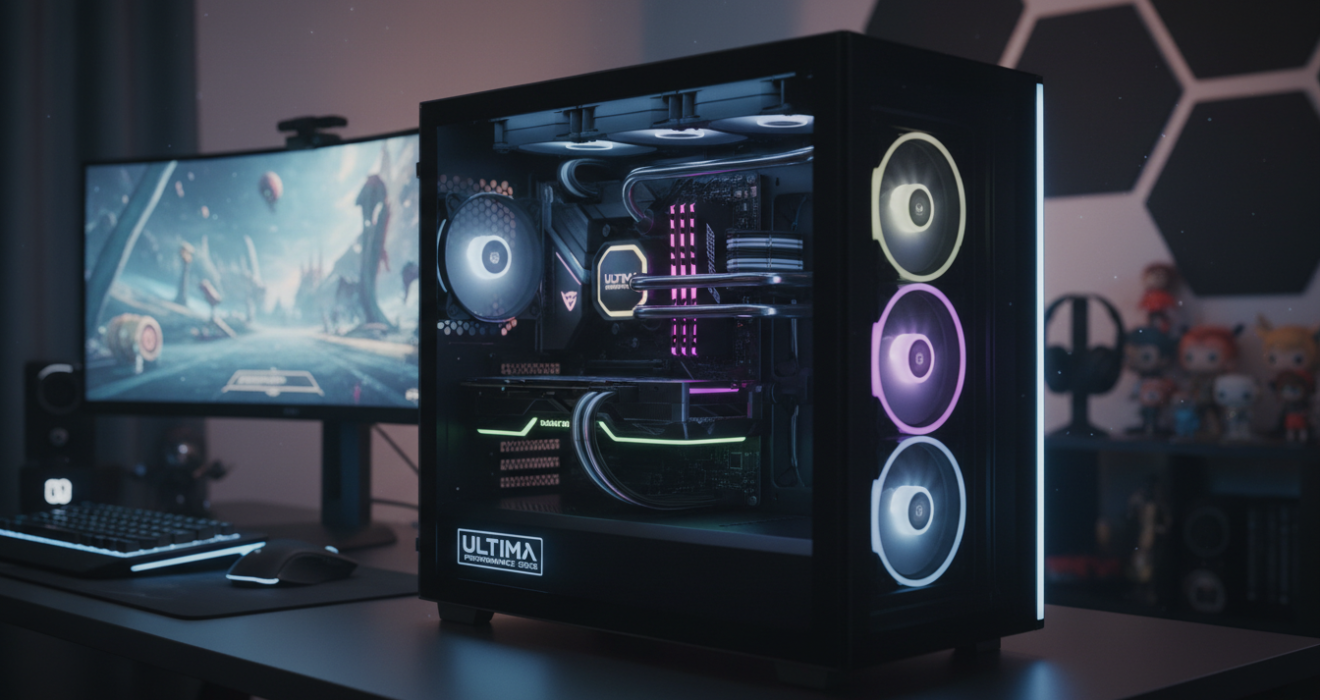


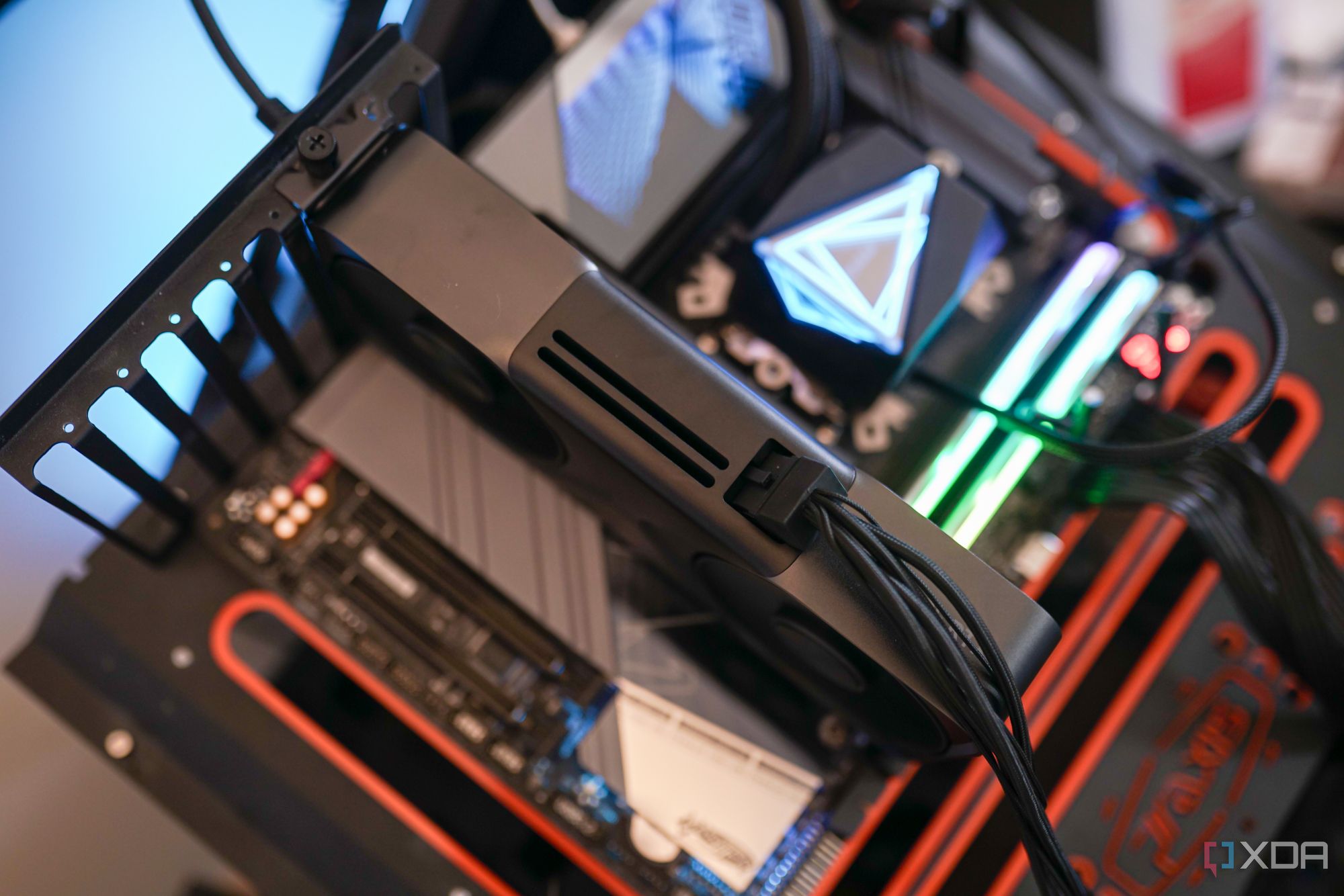
Best Budget Gaming PC Builds For 2026 500 800 Best Budget Gaming PC Builds For 2026.webp. Best Gaming PC 2026 The Ultimate Performance Guide Bliss Lifes Best Gaming Pc 2026 The Ultimate Performance Guide Featured Image 1320x700 . 7 Best Gaming PCs Of 2026 Power Performance And Value Revealed Top Gaming Pcs 2026 1lmv2 . The Best Gaming PC Of 2026 Top Prebuilt Desktops Gaming Pc . The Gaming PC You Need To Build For 2026



Custom PCs For Crypto Gaming AI Workloads In 2026 Digibuggy . Intel AMD Custom Build Gaming PC HKS Innovation DALL E2024 04 1021.57.00 Acustom Builthigh LikeanRG. Best Gaming PC Builds For 2026 Pc Build Help 150x150 . Custom Pc Build 71 Razer A Full Asus Gaming Pc On A Lian Li 011 153989 1920 . ULTIMATE Gaming PC Build 2026 ASUS Matrix RTX 5090 9950X3D YouTube